
You're out at dinner, someone suggests splitting the bill, and you reach for your calculator only to realize it can't handle unequal splits. So you end up searching for the best bill-splitting apps and downloading one on the spot. A week later, you need to scan a QR code, but your camera app refuses to cooperate, so you have to download another app. Before long, your phone has a graveyard of single-purpose apps that each do one thing you need twice a year.
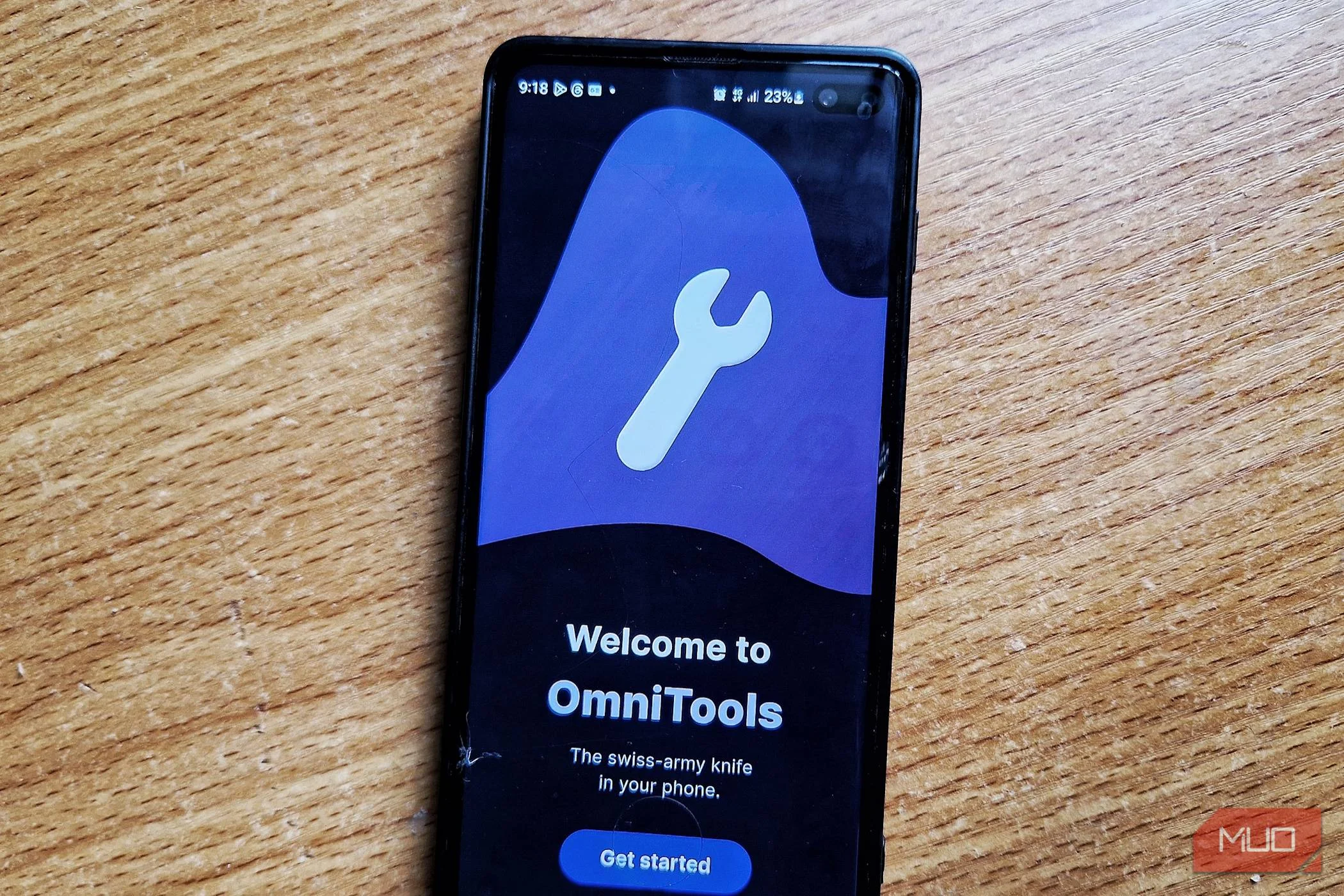
I lived that life for a long time. Then I came across OmniTools, an app from developer Snitl that replaces much of that mess with a single, tidy, capable toolkit.
OmniTools
- OS
- Android
- Price model
- Free with optional in-app purchases
OmniTools bundles dozens of everyday utilities into a single sleek Android app, from unit converters and calculators to timers and QR code tools. It replaces a pile of single-purpose apps with a fast, lightweight toolkit you can use even offline.
OmniTools packs over 50 everyday utilities into a single lightweight app
Zero excuses to download anything else
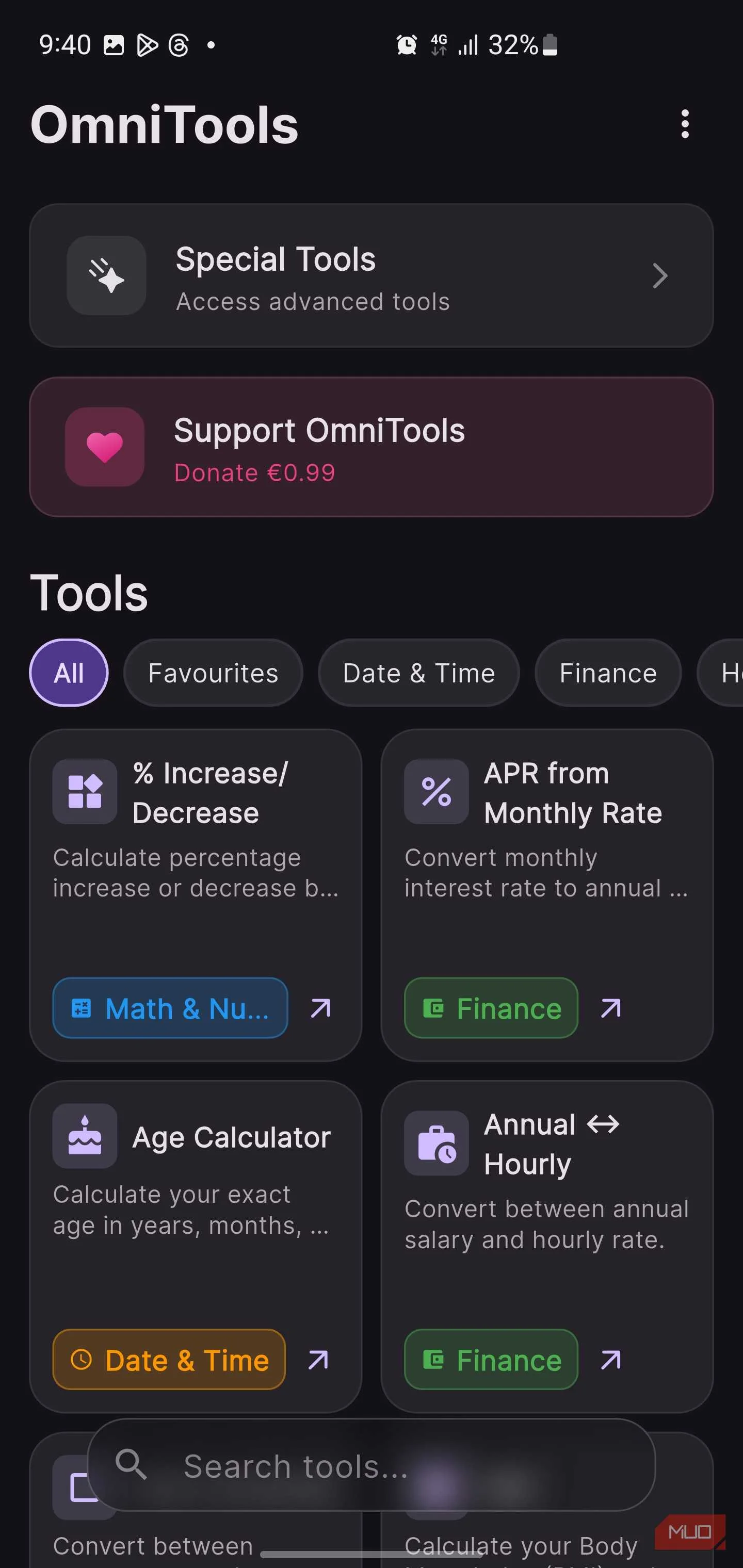
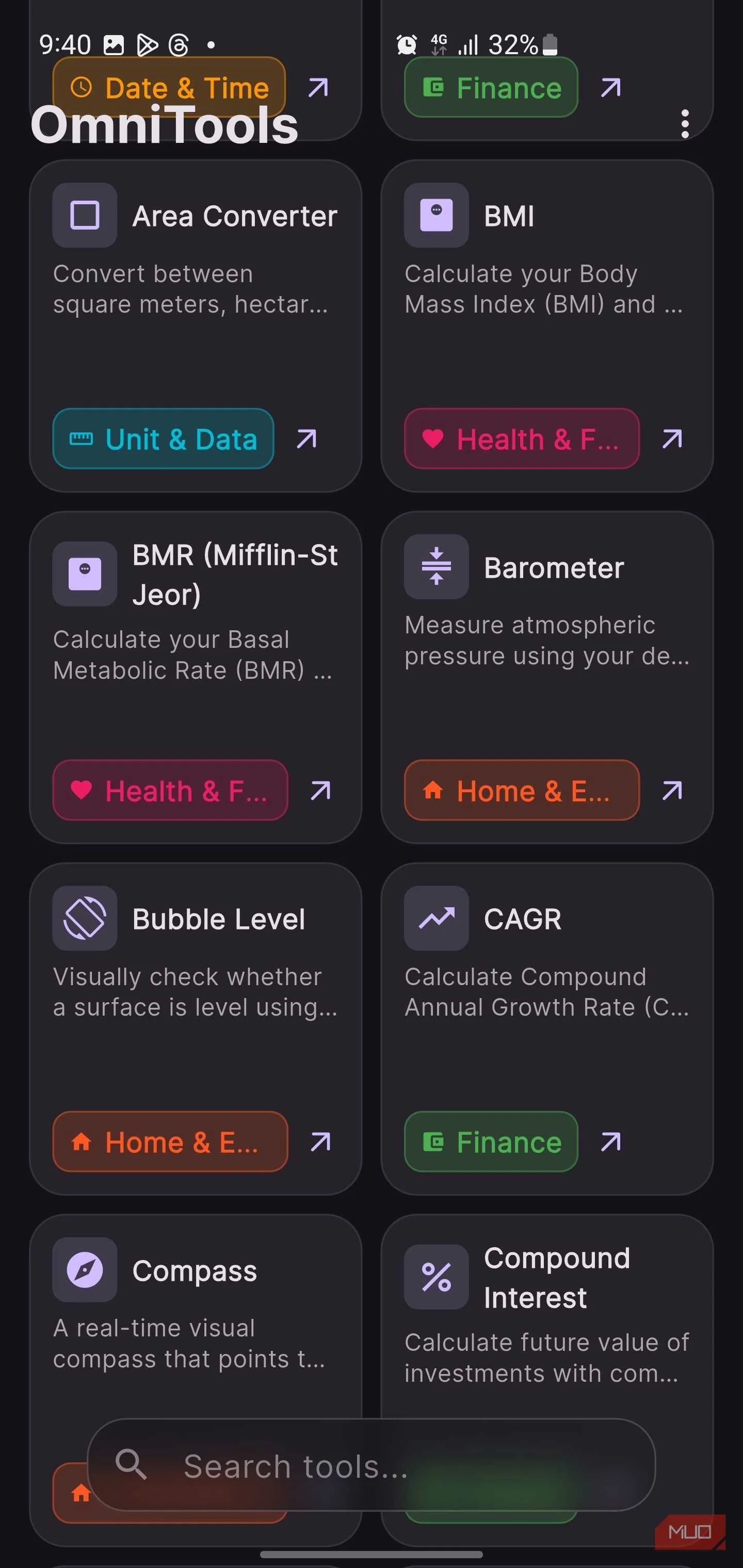
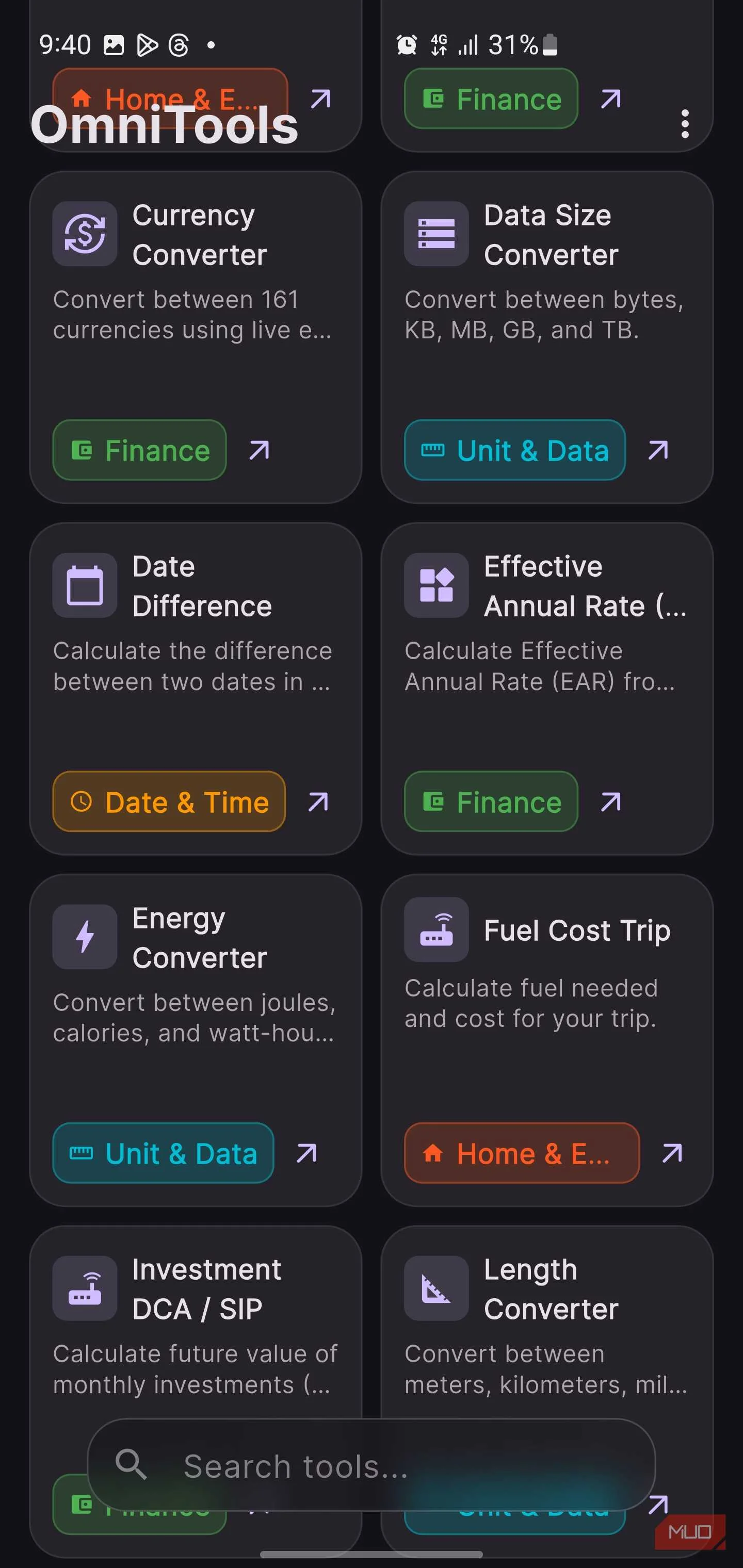
I'll start by saying OmniTools isn't a productivity app in the usual sense. It won't manage your tasks, sync your calendar, or remind you to drink water every hour. What it does instead is subtler and, in many ways, more practical. It gathers all those little utility tools you keep reaching for during the day and places them in one tidy spot.
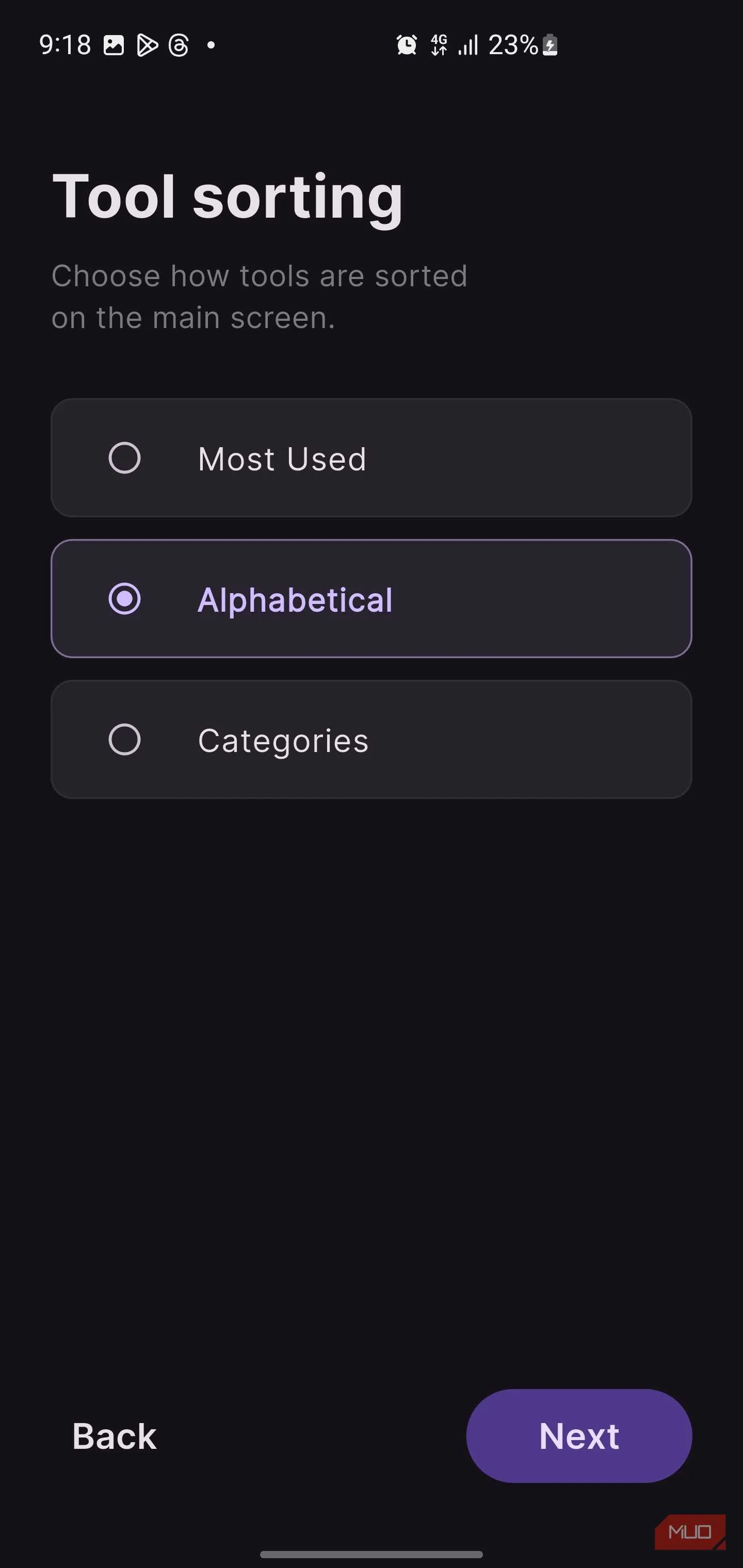
When you open OmniTools, after a brief onboarding that lets you choose your theme, preferred units, and how tools are sorted, you start to realize just how much is packed into it. Tools are organized into color-coded categories: Finance, Date & Time, Math & Numbers, Health & Fitness, Unit & Data, and Home & Everyday. You can browse them alphabetically, by category, or by the tools you use most often.
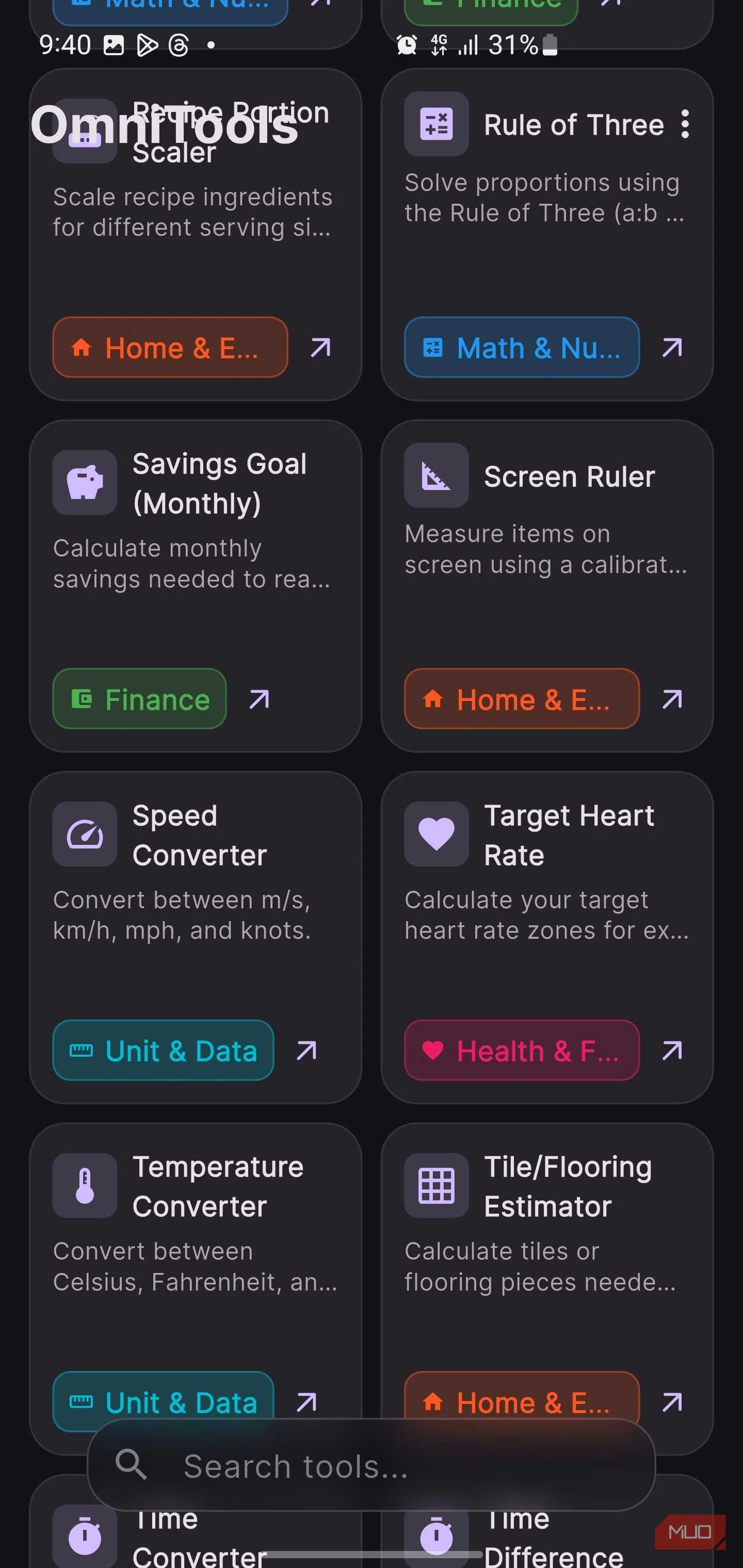
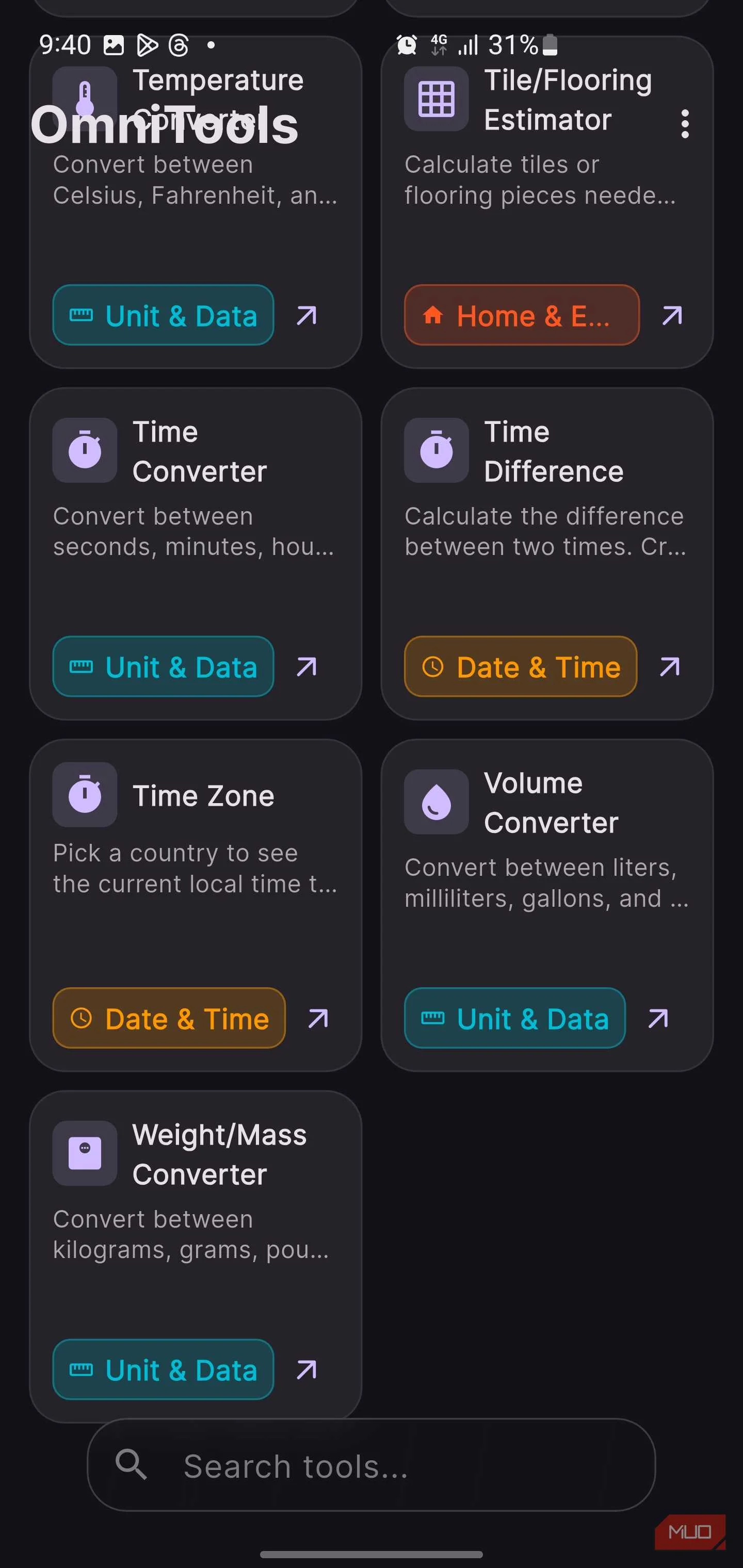
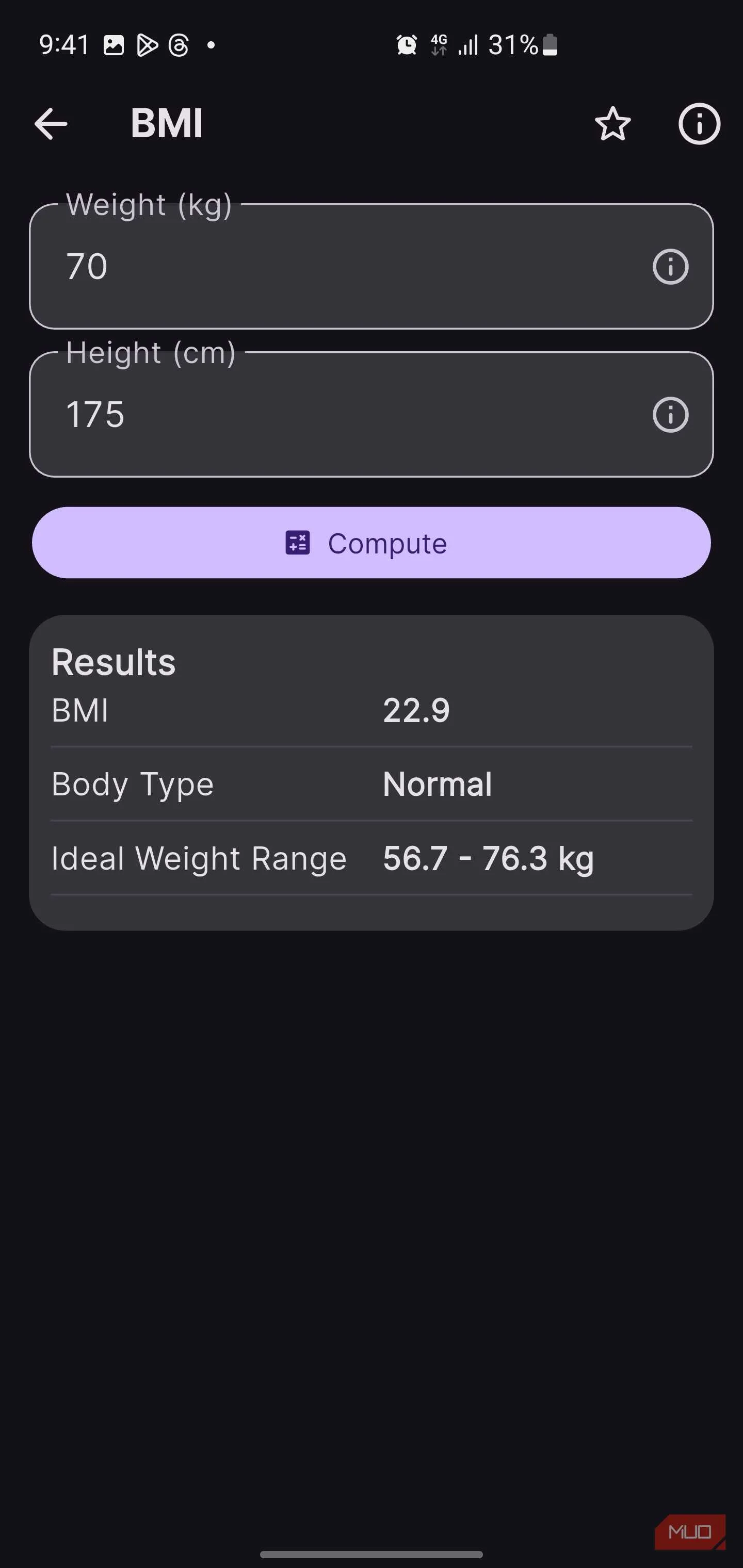
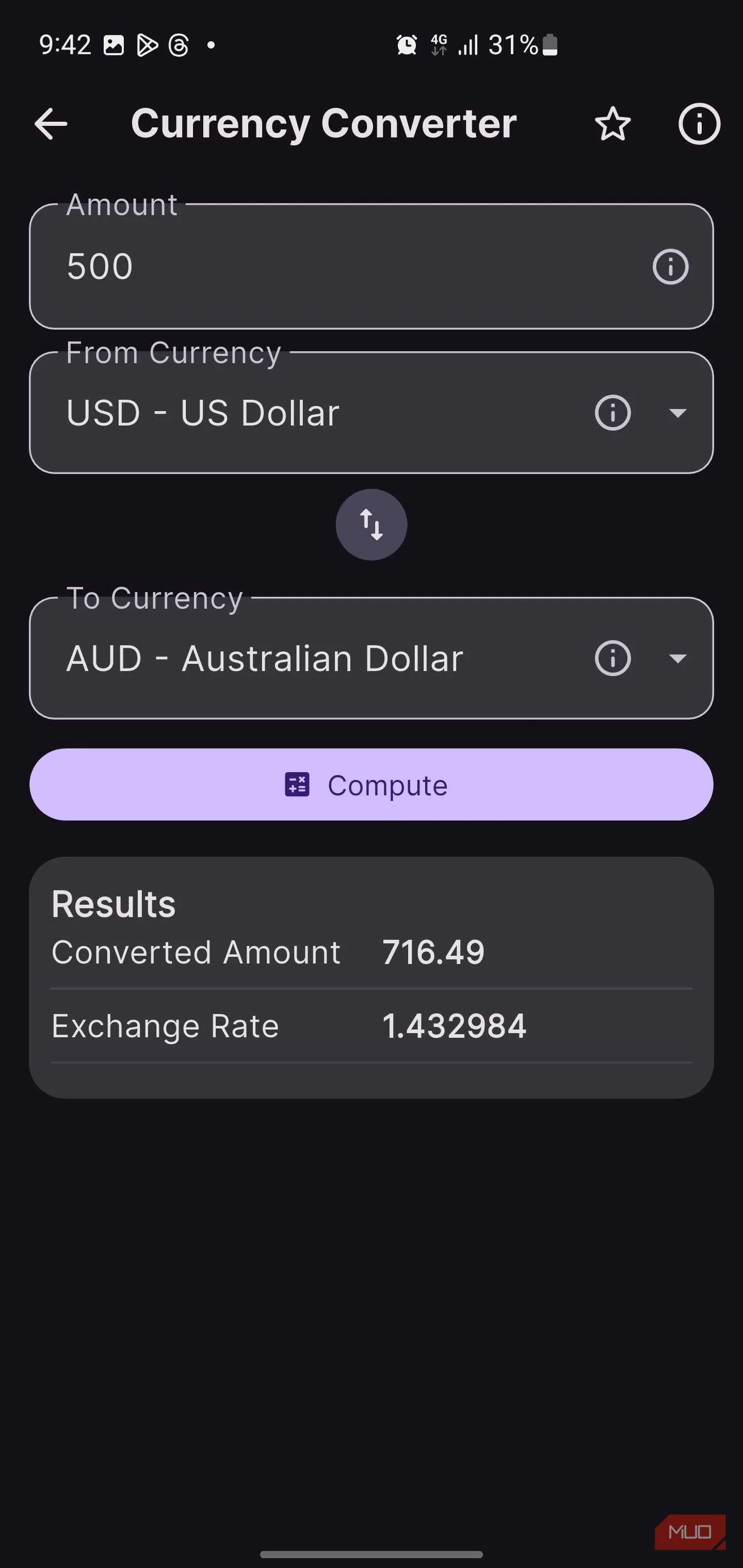
The Finance category alone could replace two or three dedicated apps with its 11 tools embedded within it. You'll find a loan and EMI calculator for monthly payments, a compound interest tool, Compound Annual Growth Rate (CAGR) calculations, ROI tracking, APR conversions, and even a DCA or SIP calculator for anyone steadily investing over time. Move over to Unit & Data, and you get converters for length, weight, volume, speed, pressure, energy, data size, and temperature. Each one has its own focused interface, rather than being squeezed into a single overloaded screen. There's also a Currency Converter supporting 161 currencies with live exchange rates, unlike many standalone currency apps that either hide that feature behind a paywall or bury it under ads.

5 free apps I always install first on a new Android phone
From effortless file sharing to instant automation, these free apps make your Android unstoppable.
If health tracking is your thing, there's a solid lineup there as well. The BMI calculator returns not just your BMI but your ideal weight range. There's also a BMR calculator based on the Mifflin–St Jeor formula, a One Rep Max calculator for weightlifting, and a Target Heart Rate tool for cardio sessions. The Age Calculator even breaks your age down into years, months, and days, which is one of those oddly satisfying pieces of information you didn't know you cared about.
Then there's the Home & Everyday category, which feels like a toolbox for random life moments. You get tools like a Paint Estimator, a Tile and Flooring Estimator, a Bubble Level that uses your smartphone's built-in sensors, a Fuel Cost Trip calculator, a Barometer, and a Compass. There's even a recipe portion scaler for adjusting ingredient quantities. A screen ruler uses your phone's calibrated display for quick measurements, and a Rule of Three solver handles proportional math when you need it. It's the sort of collection that makes you pause and think, when was the last time I needed to calculate how many tiles to order? Probably more recently.
The Special Tools section reveals an entirely different layer of the app
Just when you thought you'd seen everything
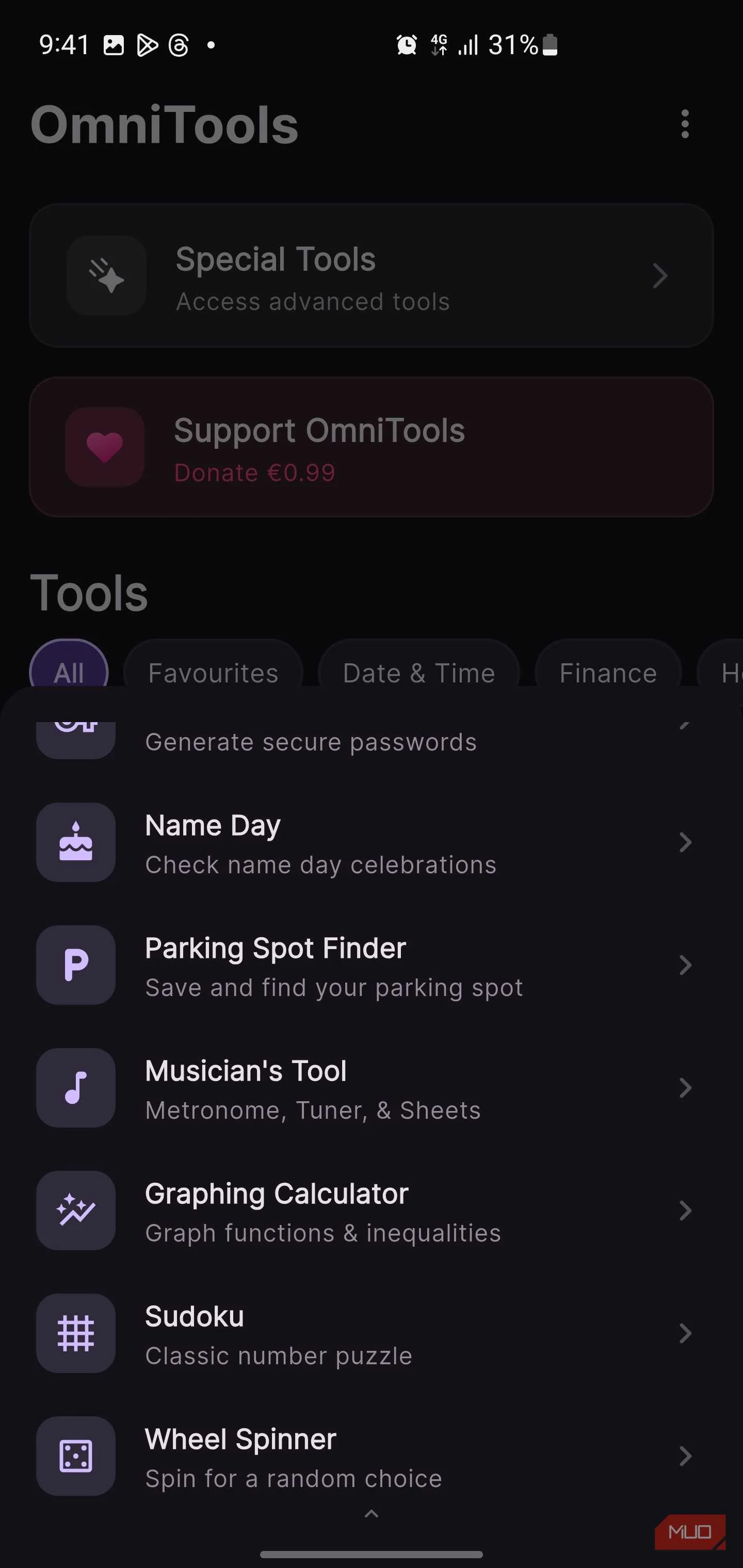
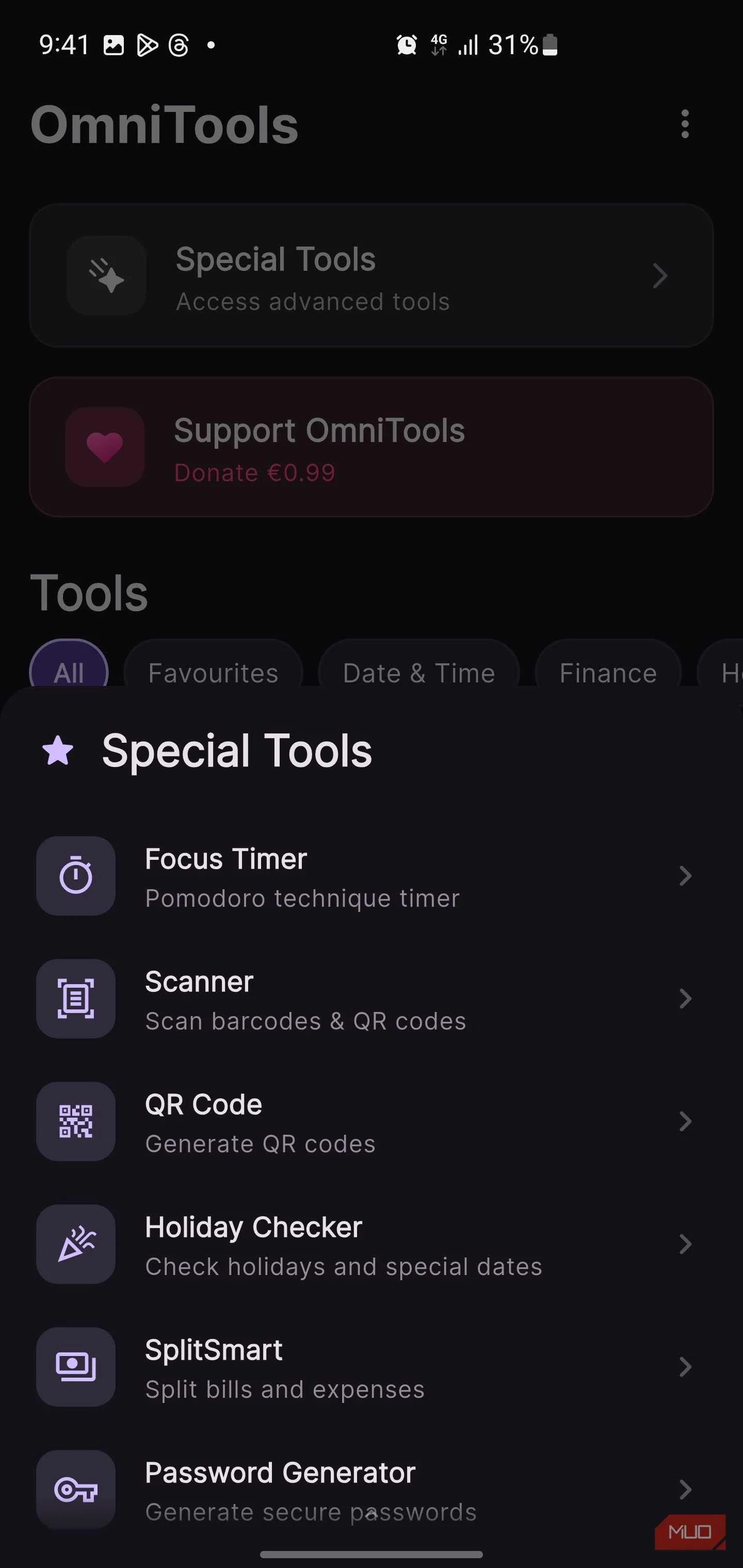
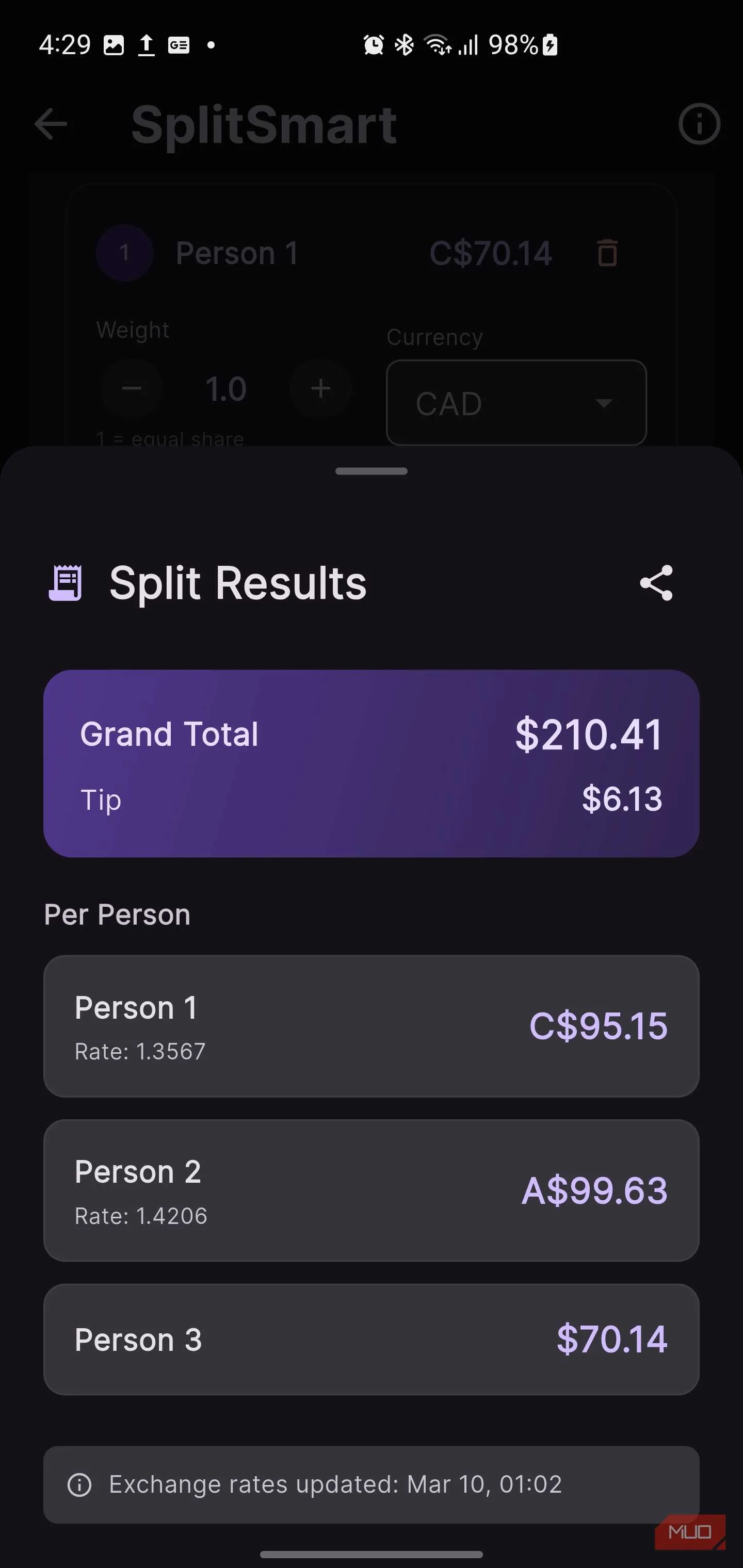
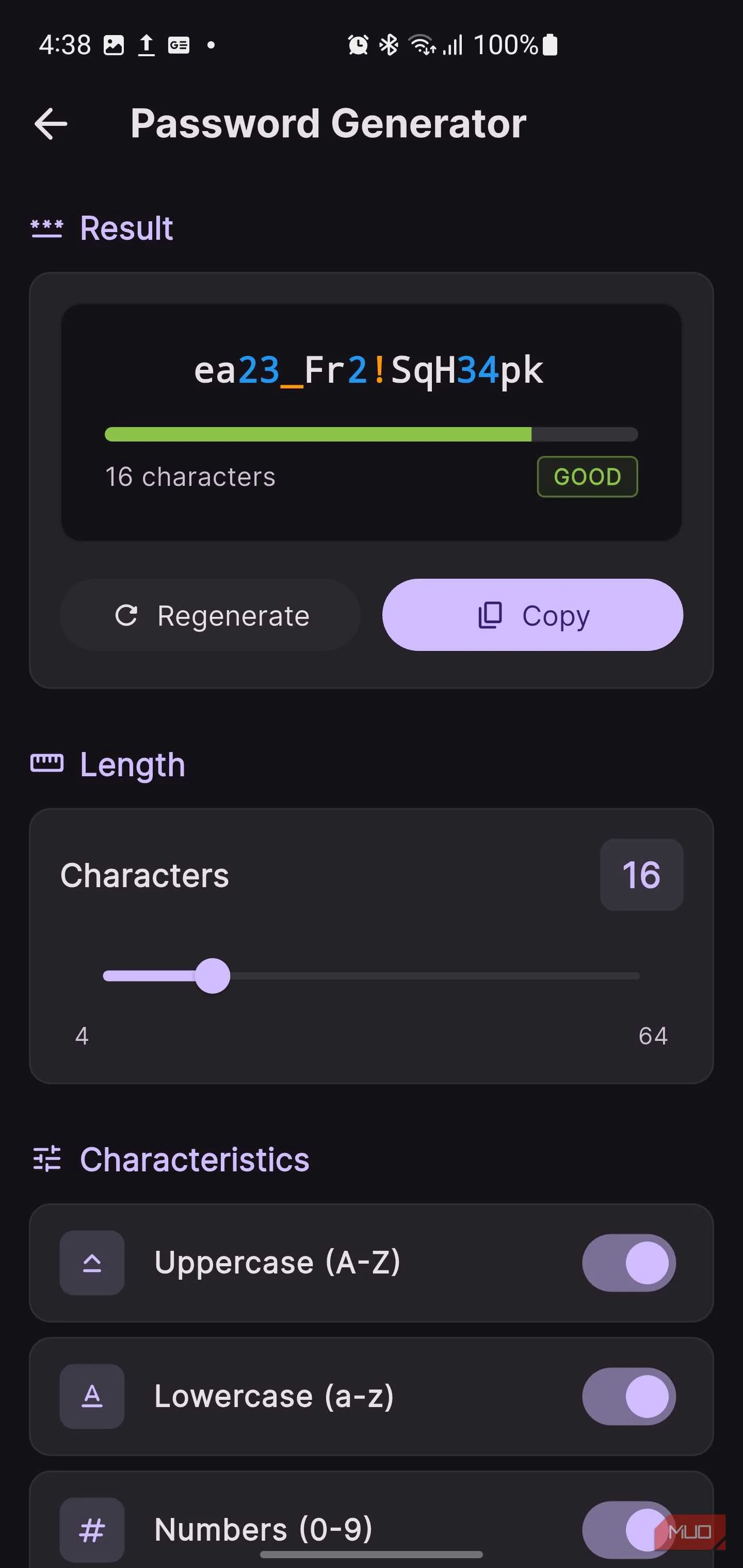
Tucked at the top of the main screen is a "Special Tools" section that opens into what feels like a second app living inside the first.
One standout is SplitSmart, a bill-splitting tool that handles group expenses and supports multiple currencies. That comes in handy during travel or those chaotic group dinners where half the table paid in different currencies. There's also a Focus Timer built around the Pomodoro technique, complete with work sessions and break intervals. This is a great alternative if you've been looking for a free Pomodoro app to help you use the technique during study blocks or deep-work stretches. The graphing calculator is another highlight, capable of plotting functions and inequalities visually, something you usually only find in paid apps or dedicated learning platforms.
Beyond that, you'll find a password generator, a QR code generator paired with a barcode scanner, and a Holiday Checker that helps you confirm public holidays and special dates. Musicians get their own little toolkit too, with a metronome, tuner, and chord sheets bundled together. Then there's the Parking Spot Finder, which lets you save your location so you can navigate back to your car later.
A couple of lighter touches round out the app. There's Sudoku for passing the time and a Wheel Spinner for making random decisions, because not every tool needs to feel like serious business.

The 5 Best Free Random Decision Makers
If you're torn between a light-hearted decision with different options, a random decision maker could help (and be fun). Here are five of the best.
Oh, and the website is a whole other story
Before I close, it's also worth mentioning that OmniTools actually has two distinct faces. While the Android app is the focus here, the website at omnitools.app is a fully independent, browser-based utility suite that is considerably more expansive than a typical app landing page.
The web platform offers tools for editing and compressing images, manipulating PDFs, trimming videos, converting between data formats such as CSV and JSON, processing text, and more. Everything runs entirely client-side, so, your files never leave your device, nothing is uploaded to a server, and no accounts or sign-ins are required. This fits perfectly into the growing trend of extremely useful open-source web apps that require no installation.
The Android app and the web platform share the same core philosophy, but they serve different contexts, and together they cover an impressive amount of ground.