Kanika began writing about consumer technology in 2019 and has contributed to tech websites like Beebom and The Mac Observer. During her journey, she covered a wide range of topics, including Android, Windows, AI, and everything Apple. She has been a loyal iPhone user since 2014, and owns an Apple device from almost every lineup. With a keen eye on the latest trends, she strives to help users get the most out of their gadgets.
Beyond her love for writing, she is a deep researcher and a lifelong learner, always eager to explore the latest innovations and emerging technologies. With her passion for technology and writing, she joined MUO in 2025 as a Freelance Tech Writer.
When not writing, she's probably trying a viral Instagram recipe or watching some thriller suspense on Netflix.
Most of us don't think twice about how we charge our phones. I prefer to plug in my phone at bedtime, allow it to charge fully, and then unplug it in the morning when my alarm goes off. Keeping your phone's battery at 100% for extended periods feels harmless, but it can contribute to battery wear over time.
That's why Samsung and Google have built battery protection features into their Android phones, so you can control how your phone charges. The catch is that most people never open this setting, and each mode gives up something different.
Why 100% is hard on a battery
Your phone doesn't even need that all the time
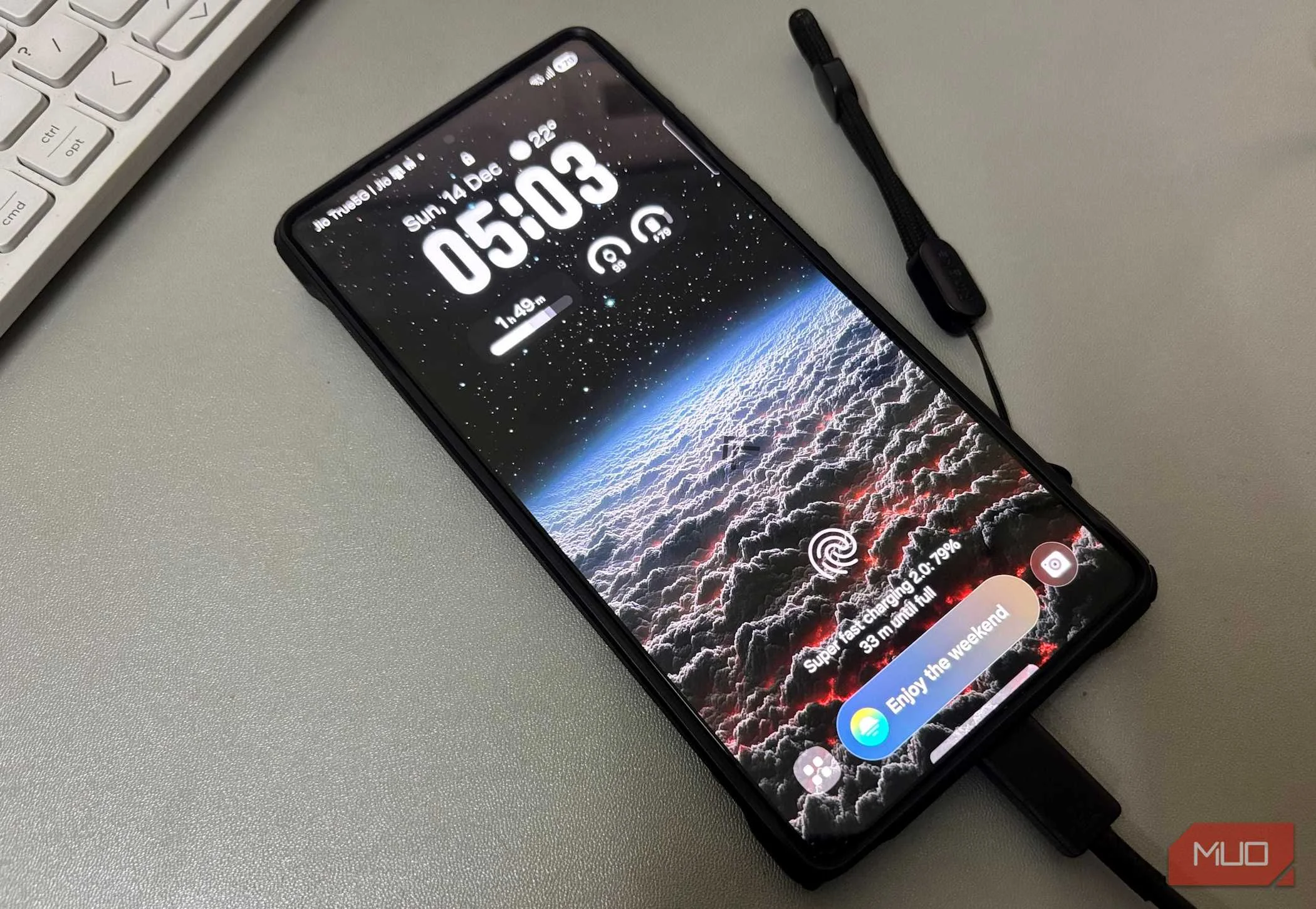
Modern smartphones use lithium-ion batteries, which gradually lose their ability to hold a charge as they age. This happens naturally, no matter what you do. However, two things can accelerate the process: heat and high state of charge. When a battery sits at 100%, it is held at its highest voltage, which puts the most strain on its internal chemistry.
Think about what happens when you charge your phone overnight. When you plug your phone in at 11 PM, it can reach 100% before you wake up at 7 AM. That means the battery spends several hours sitting at full capacity, even though you don't need that extra charge yet.
I'm not saying you should never charge your phone to 100%. It’s not inherently bad. You can still do it when you need the extra battery life like if you have a busy day or travel coming up. It gets concerning when you make it a habit to keep your phone fully charged for extended periods.
Samsung offers three modes
And, you're probably on the weakest one


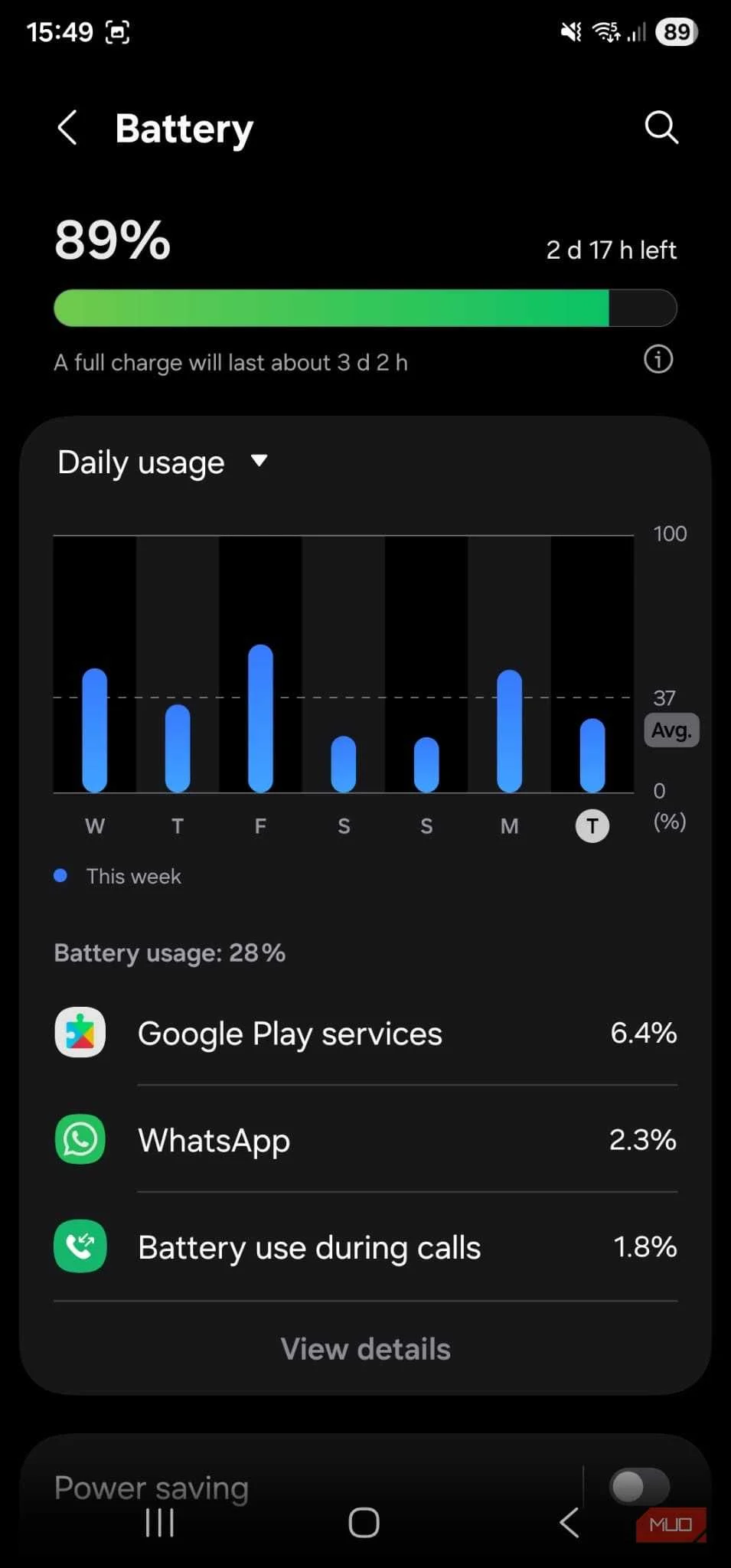
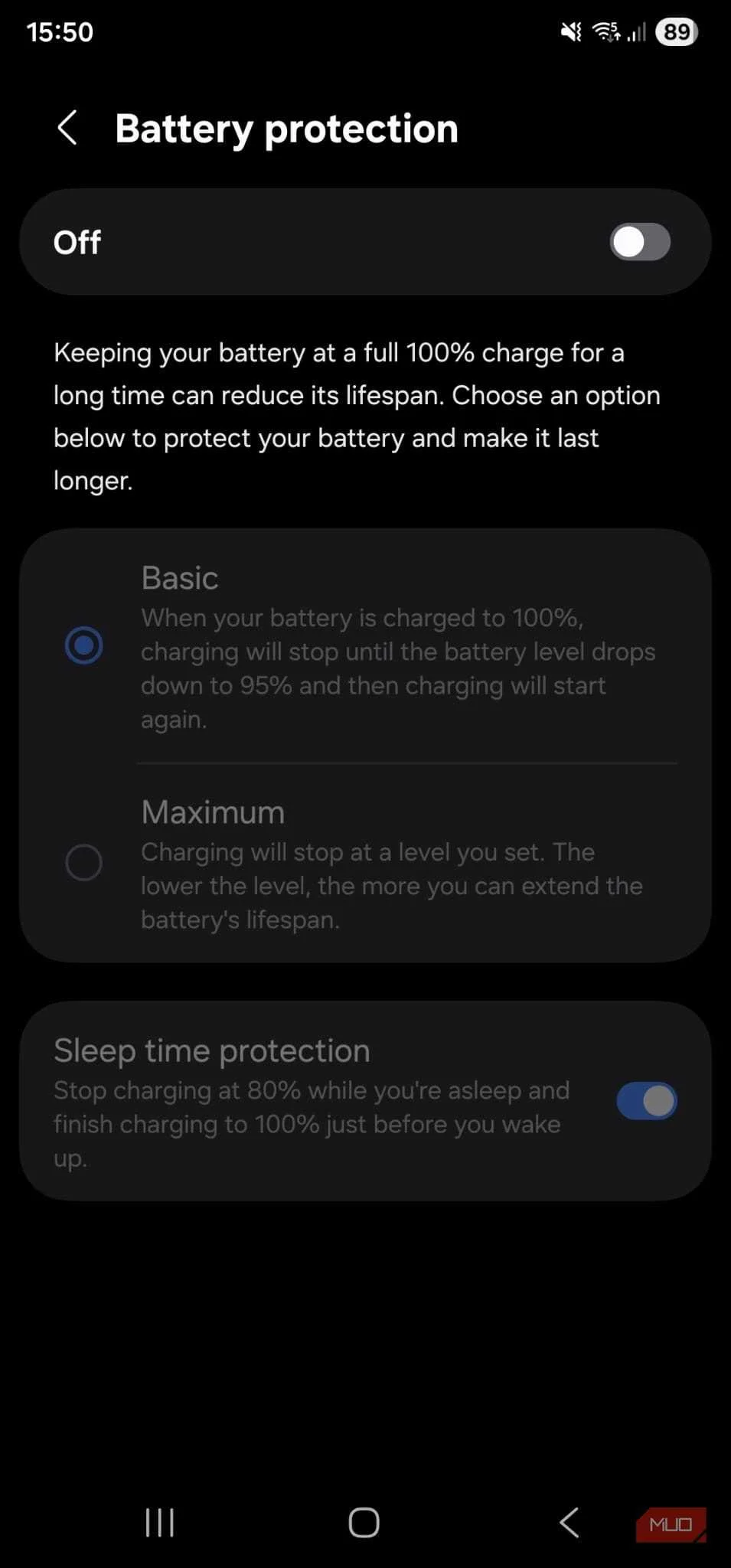
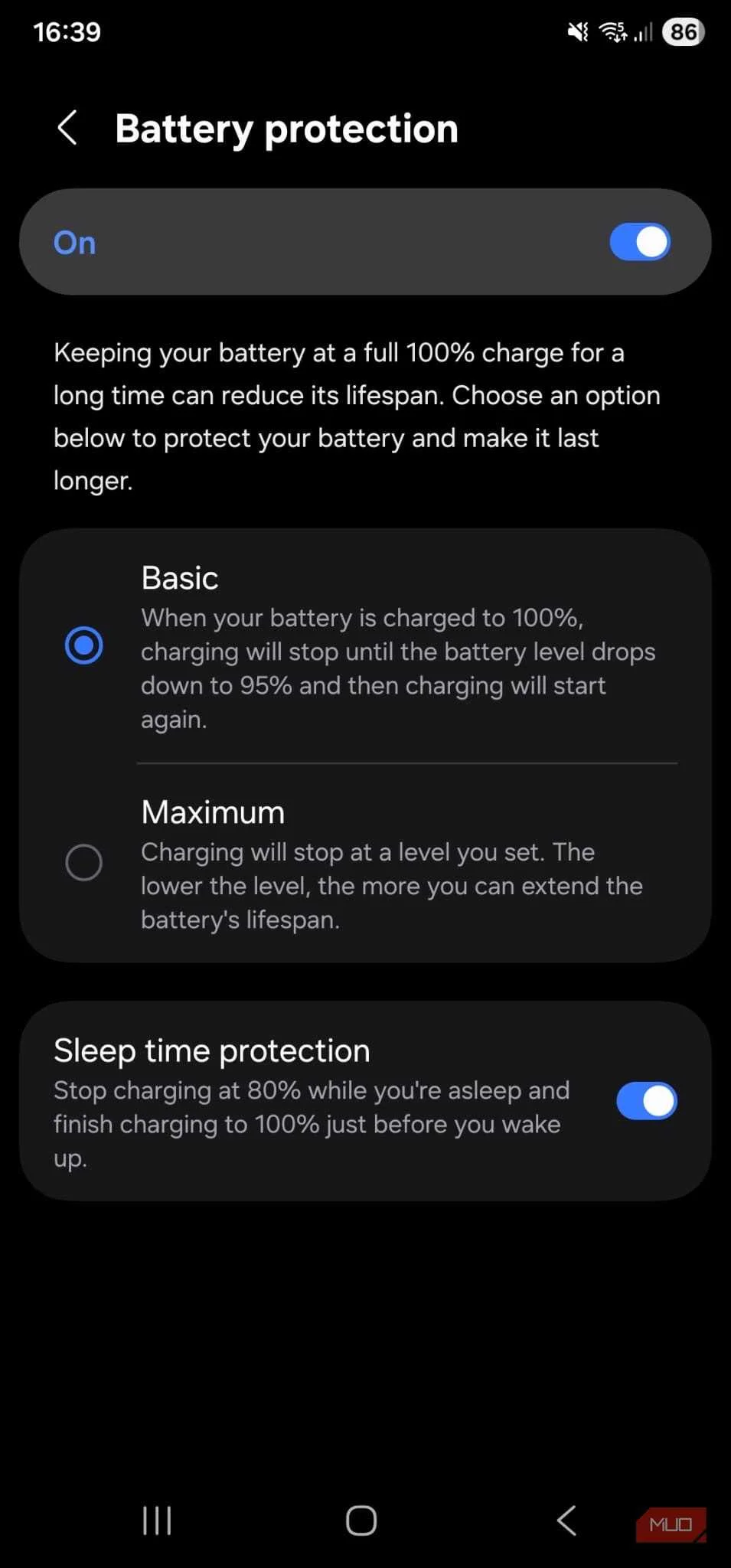
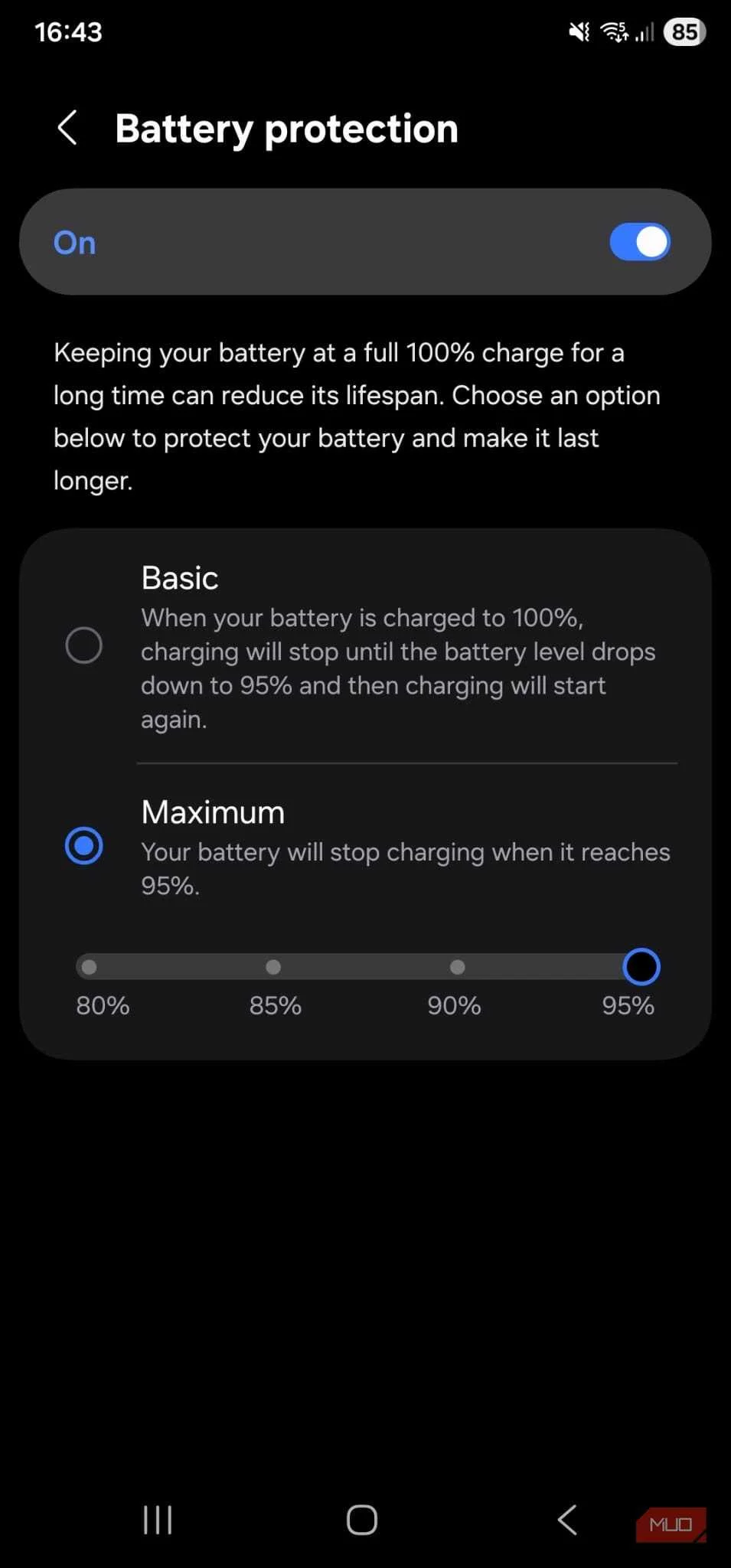
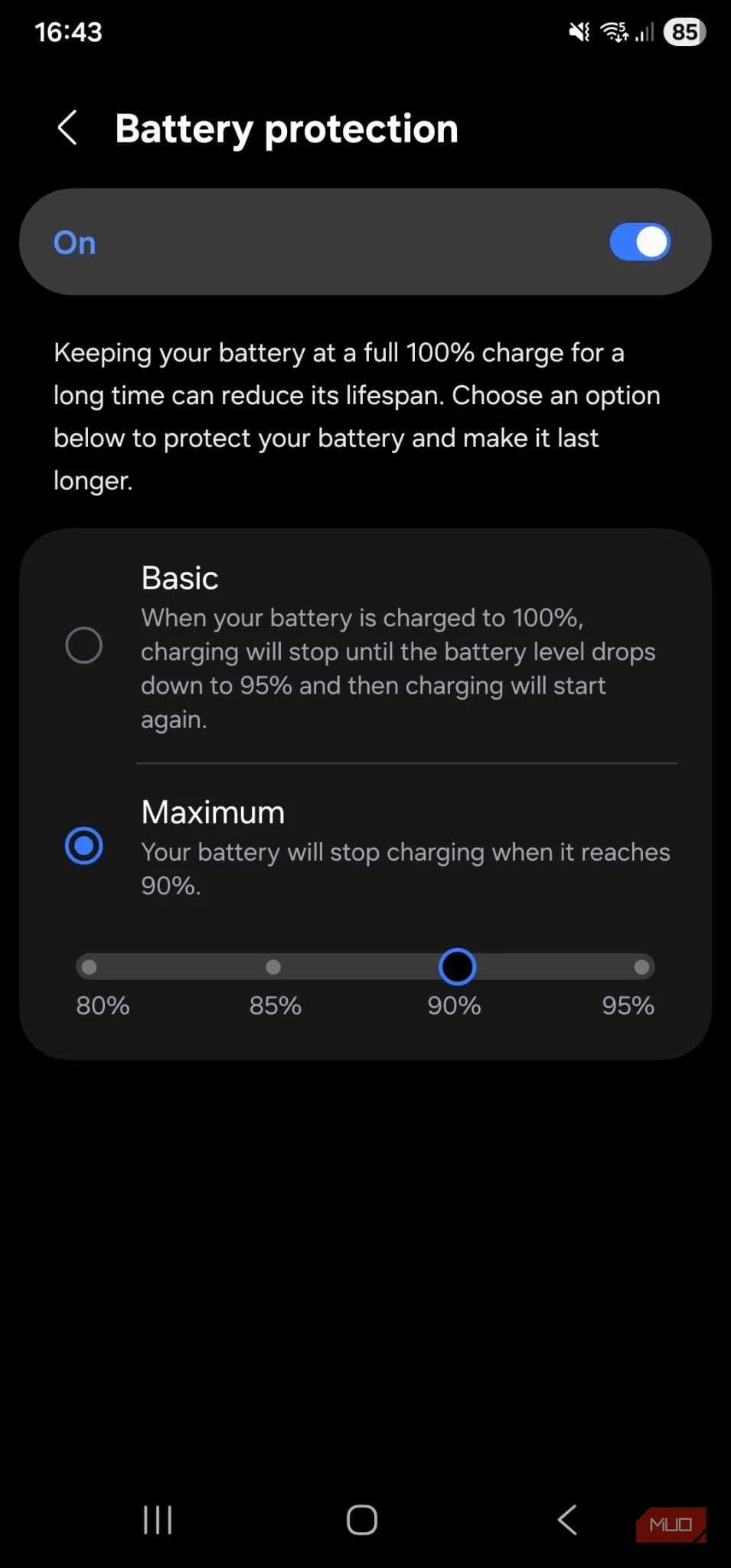
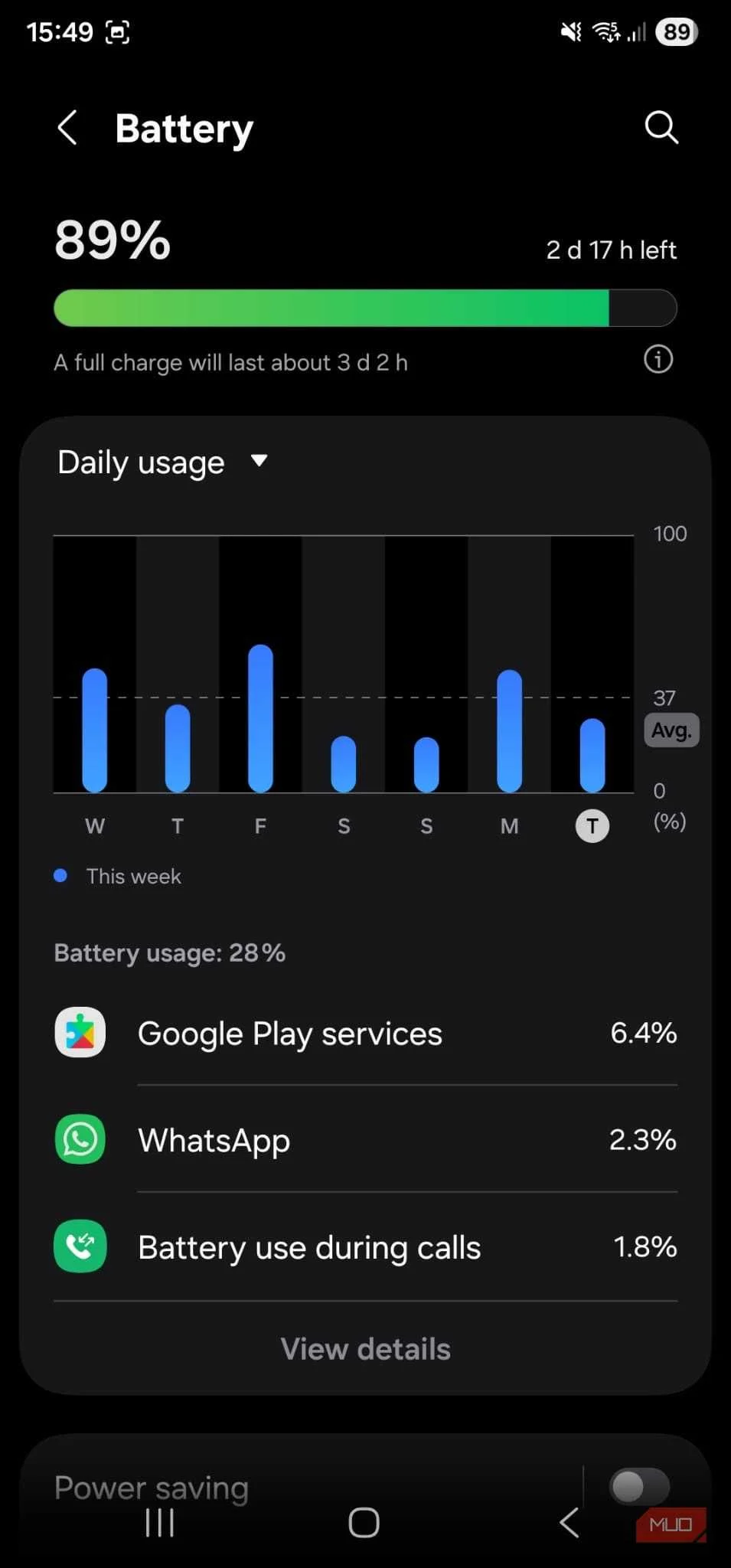
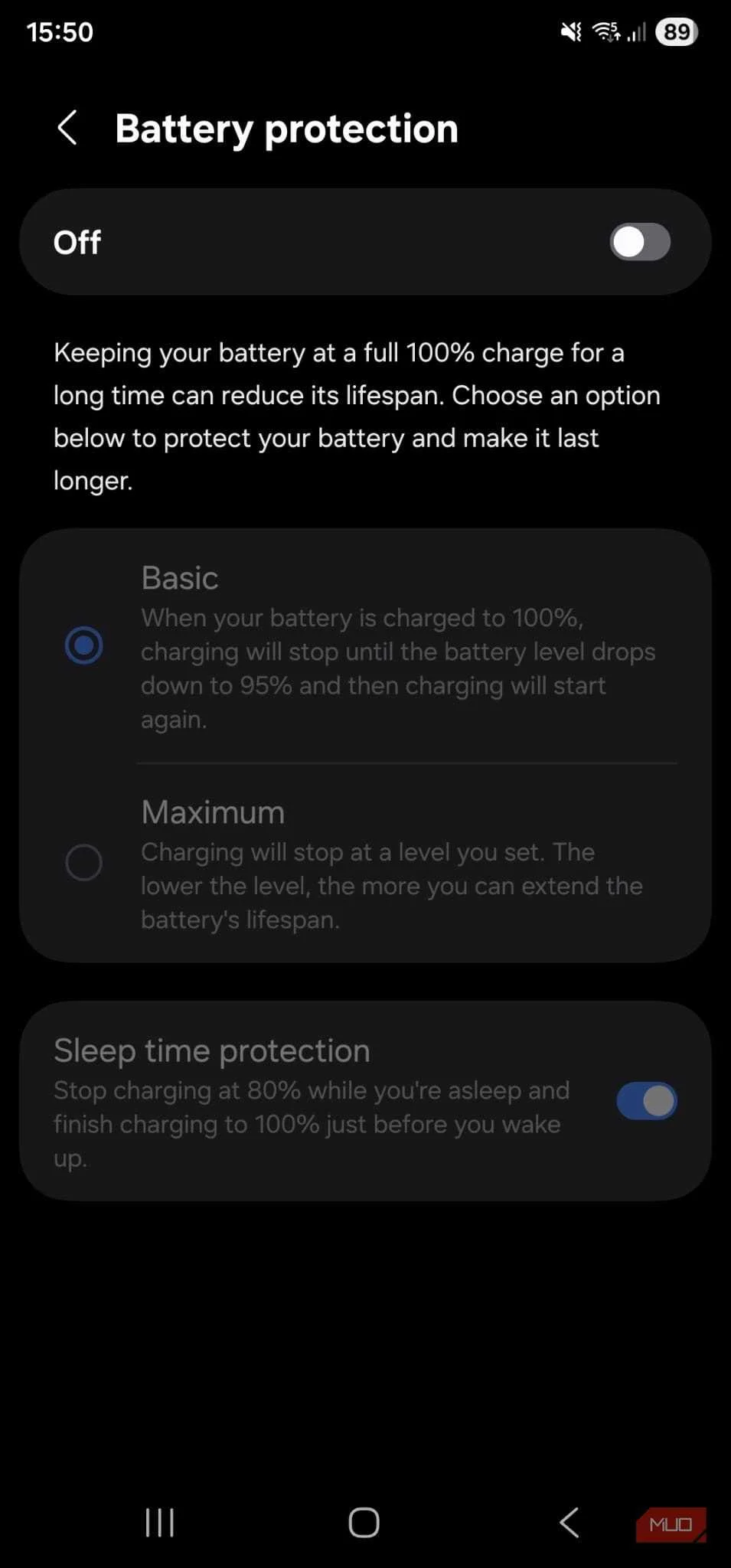
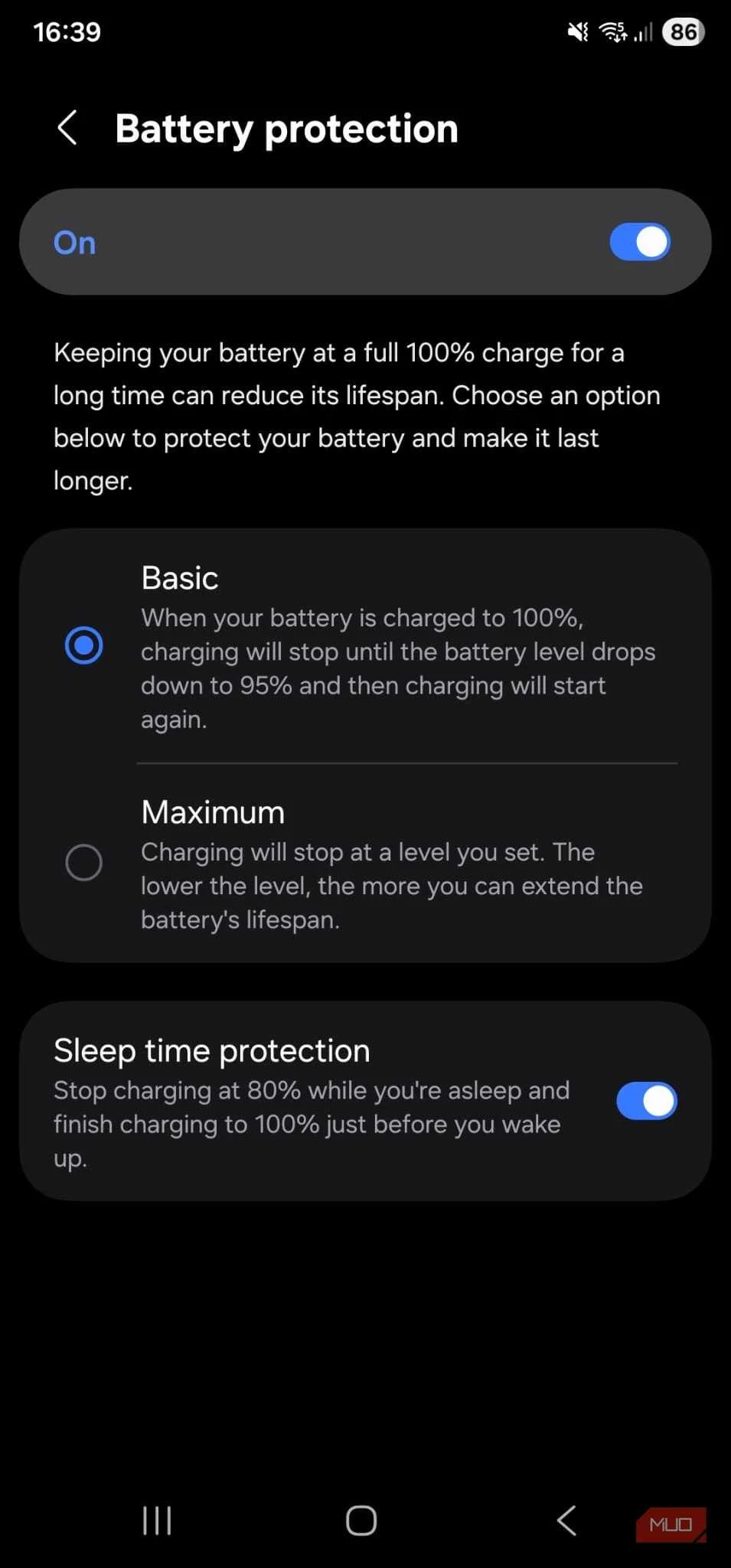
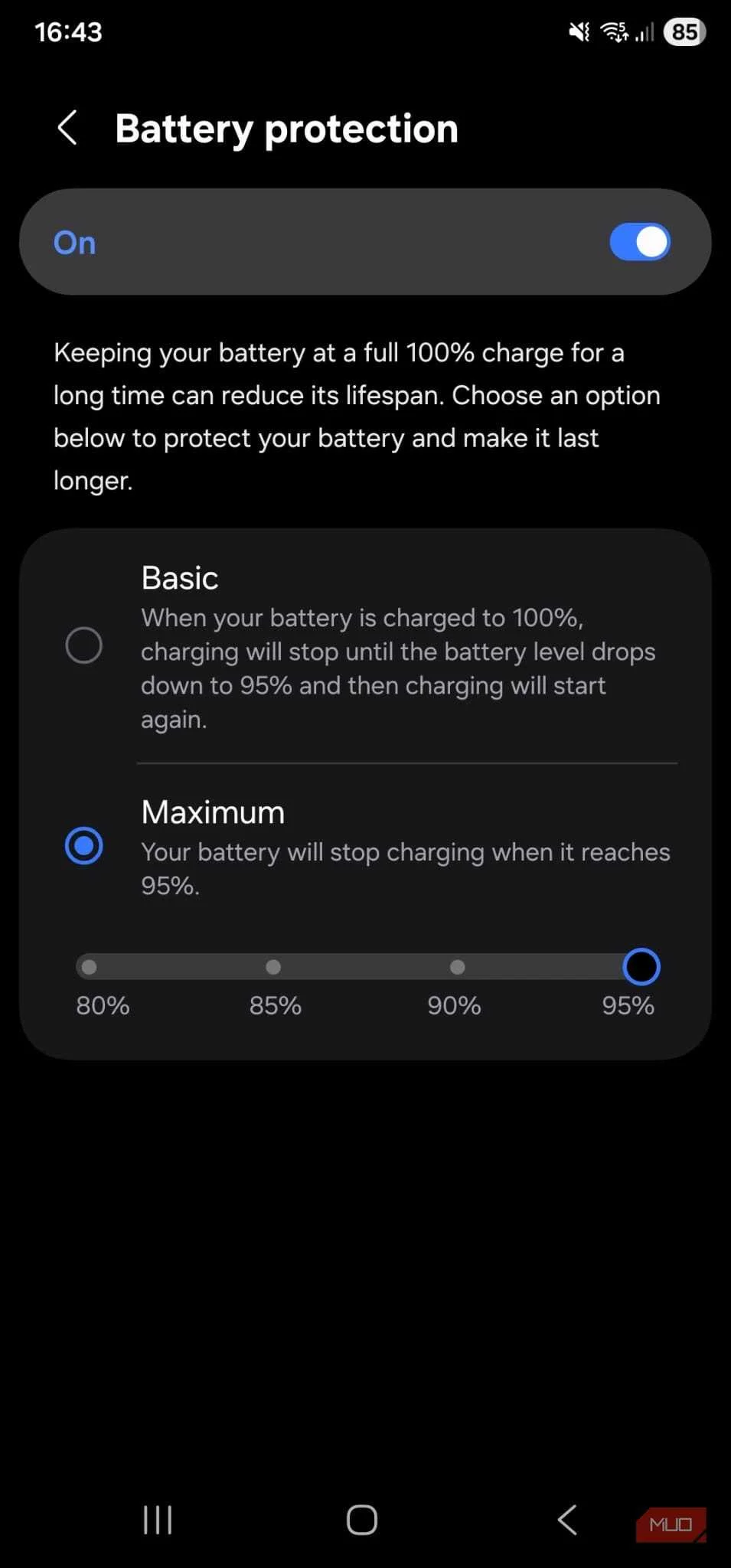
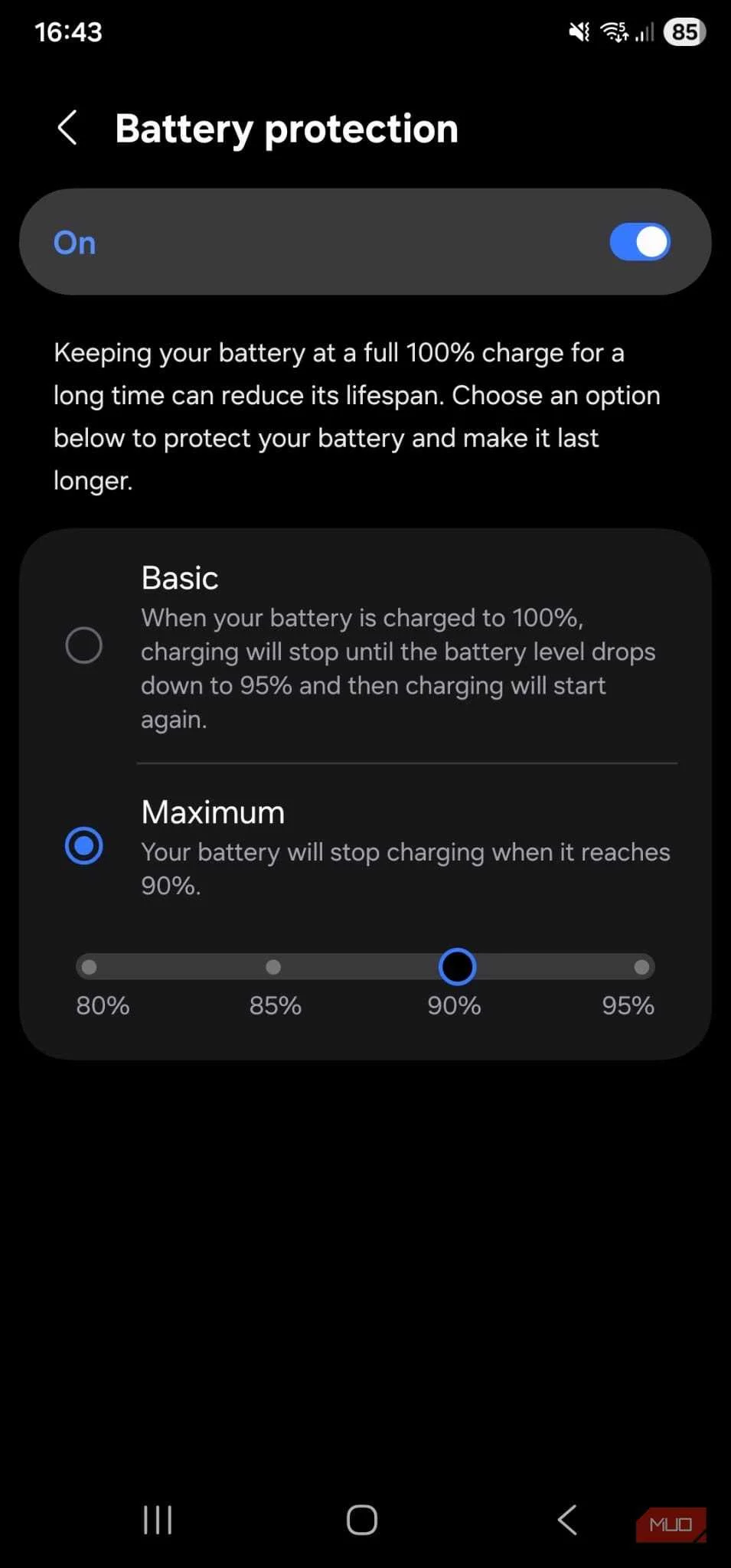
If you own a Samsung Galaxy phone running One UI 6.1 or later, open Settings -> Battery -> Battery protection. You'll find three battery protection modes: Basic, Adaptive, and Maximum. Here’s what each mode means:
- Basic: This is the default choice. Your phone charges to 100% as quickly as it can, depending on the charging speed. Once the battery drops to 95%, charging resumes. This prevents constant charging at full capacity, but doesn't stop your phone from staying at 100% for extended periods.
- Maximum: This is an aggressive mode with a hard cap (you can choose from a limit of 80, 85, 90 or 95 percent). There's no learning and no schedule in this mode. The phone simply stops at the limit, whether you charge for an hour or a few days.
- Adaptive: This is the third mode you’ll find on One UI 9.0 or newer. Adaptive mode strikes a balance between the two modes. Basically, it uses Maximum protection while you're asleep, then switches to Basic before you usually wake up. Your phone learns your usage habits and adjusts charging accordingly.
Each mode will cost you something different, which gets noticeable when you consider your daily routine. Basic mode is convenient if you want a full battery every morning, but it offers less protection against prolonged time at 100%. Maximum provides a more restrictive charging limit, which is useful if you don't need all that capacity. It preserves the battery life by keeping it away from that 100% upper limit, but it also means that your phone never fully charges. Adaptive sits somewhere in between, giving you a fuller battery when you wake up without leaving it at 100% throughout the night.
I wouldn't automatically choose Maximum just because it offers the strongest protection. If you regularly run out of battery in the evening or before your day ends, the charging limit could become more frustrating than useful.
Pixel phones offer two charging options
How Pixel handles charging limits

Google takes a slightly simpler approach with Pixel phones. Instead of three modes, you’ll find Adaptive Charging and Limit to 80% modes, both available under Settings -> Battery -> Battery health -> Charging optimization.
- Adaptive: This is the default mode on Pixel phones. It learns your charging habits and adjusts when your phone reaches 100%. For example, if you regularly put your Pixel to charge at 11 PM and unplug it at 7 AM, it can delay the final part of charging and hit 100% shortly before you wake up. This is just like Optimized Charging on iPhones, which reduces long-term battery wear. Google says the feature needs around 14 days to learn your charging habits, so it might not work perfectly straight away.
- Limit to 80%: It does exactly what its name suggests. Your phone stops charging once it reaches 80% to prioritize long-term battery health over maximum daily capacity. Google recommends using this option if you usually finish the day with some battery left.
Yes, both models aim to protect the battery. The main difference is that Adaptive Charging still gives you a full battery when you need it, whereas the 80% option deliberately sacrifices some daily battery life to reduce long-term wear.
Which mode should you pick?
Go for the one that matches your daily usage
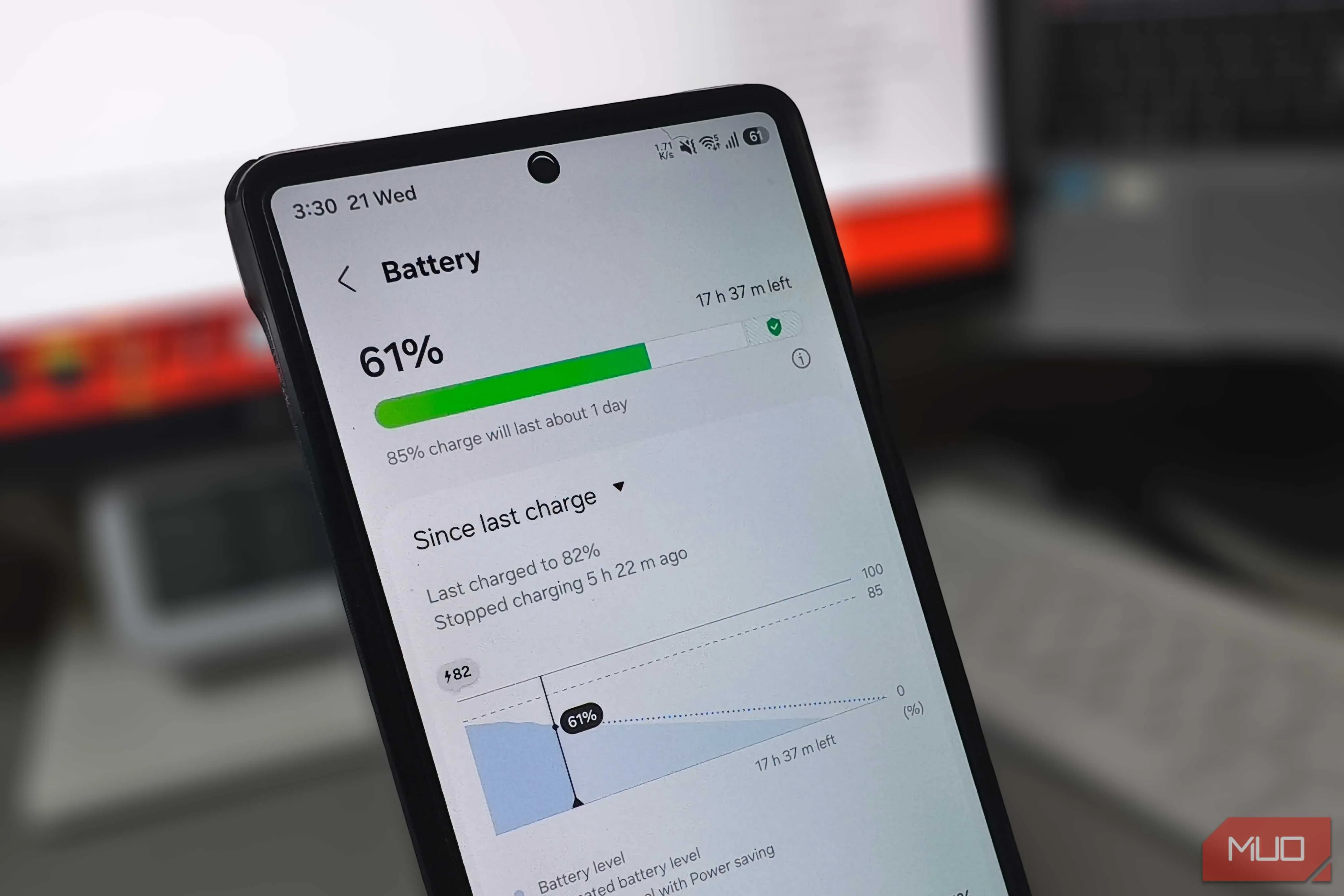
Now comes the most important question: which mode you should pick. We have to be practical here. See, you don't need to sacrifice 20% (or whatever limit you choose) of your battery capacity just to keep your phone healthy. If you ask me, I would consider how I charge rather than which setting sounds smartest.
- You charge overnight on a regular schedule: Choose Adaptive on either phone, and you'll get a full battery in the morning. I had a fairly predictable sleeping and charging routine, so I would choose this option.
- If you plan to keep your phones for longer (say three or four years): Go for the cap, Samsung's Maximum or Pixel's 80% limit, if your battery life can spare it. It offers the best protection, and it matters most the longer you hold onto the phone.
- Your schedule is unpredictable: I would recommend you to skip Adaptive, because it depends on a routine you don't have.
- You need every percent, every day: Stay on the default mode and don't feel bad about it. A phone that dies at 6 pm is worse than one that ages slightly faster.
You don't have to stick to one mode all the time. For instance, if you're spending a long day outdoors and expecting to use mobile data, it makes sense to turn off the 80% limit temporarily.
Don't obsess over keeping your battery at a particular percentage
Battery protection settings can help, but they're not the only thing that affects battery health. Your personal charging habits, temperature, and everyday usage all play a part.
You also need to avoid leaving your phone in direct sunlight or somewhere particularly hot while charging. If your phone gets unusually warm while charging or watching videos, give it some time to cool down before you use it again. Also, avoid deliberately letting your battery drain to 0% before you plug it in. When you constantly go from 0 to 100%, it degrades your Android performance.