Shaheer mostly covers PC components, including in-depth coverage of each component, but his speciality subsumes within hardware of all sorts.
Every PC component has a key specification you can use to judge its performance. For GPUs, there's the VRAM; for RAM, there's the capacity, and so on.
However, things get complex and much more interesting with a CPU. As the heart of your PC, it's tiny but made of many interacting parts, each contributing to what it's actually capable of.
Clock speeds are generally used to determine a CPU's performance, but they're the wrong metric. Instead, there's another specification that manufacturers don't even advertise, and it's a better indicator of performance. It's called IPC.
Why GHz became the number everyone quotes
Intel’s Pentium 4 made clock speed the headline

For starters, clock speed, measured in GHz, is the frequency of a CPU's cycles — how many processing cycles it completes per second, not how much work it does in a given second.
The reason why GHz became the headline number is that Intel promoted this metric with the Pentium 4 CPUs, since clock speeds were the largest improvements in that era.
From that day forward, clock speeds have remained the front-page specification, even though GHz across CPUs decades apart can be the same yet perform vastly differently.
What IPC measures
How much work a CPU finishes each cycle
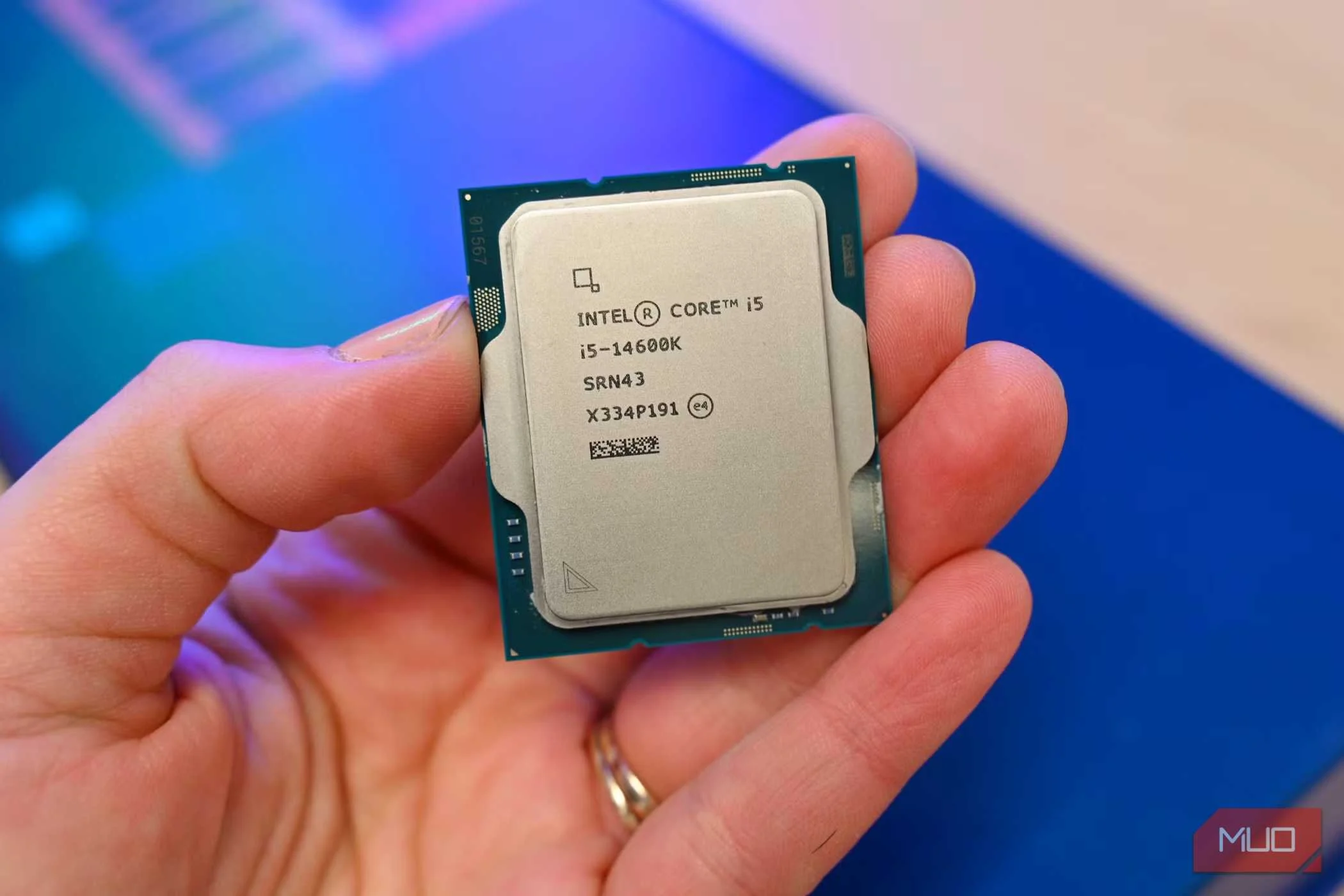
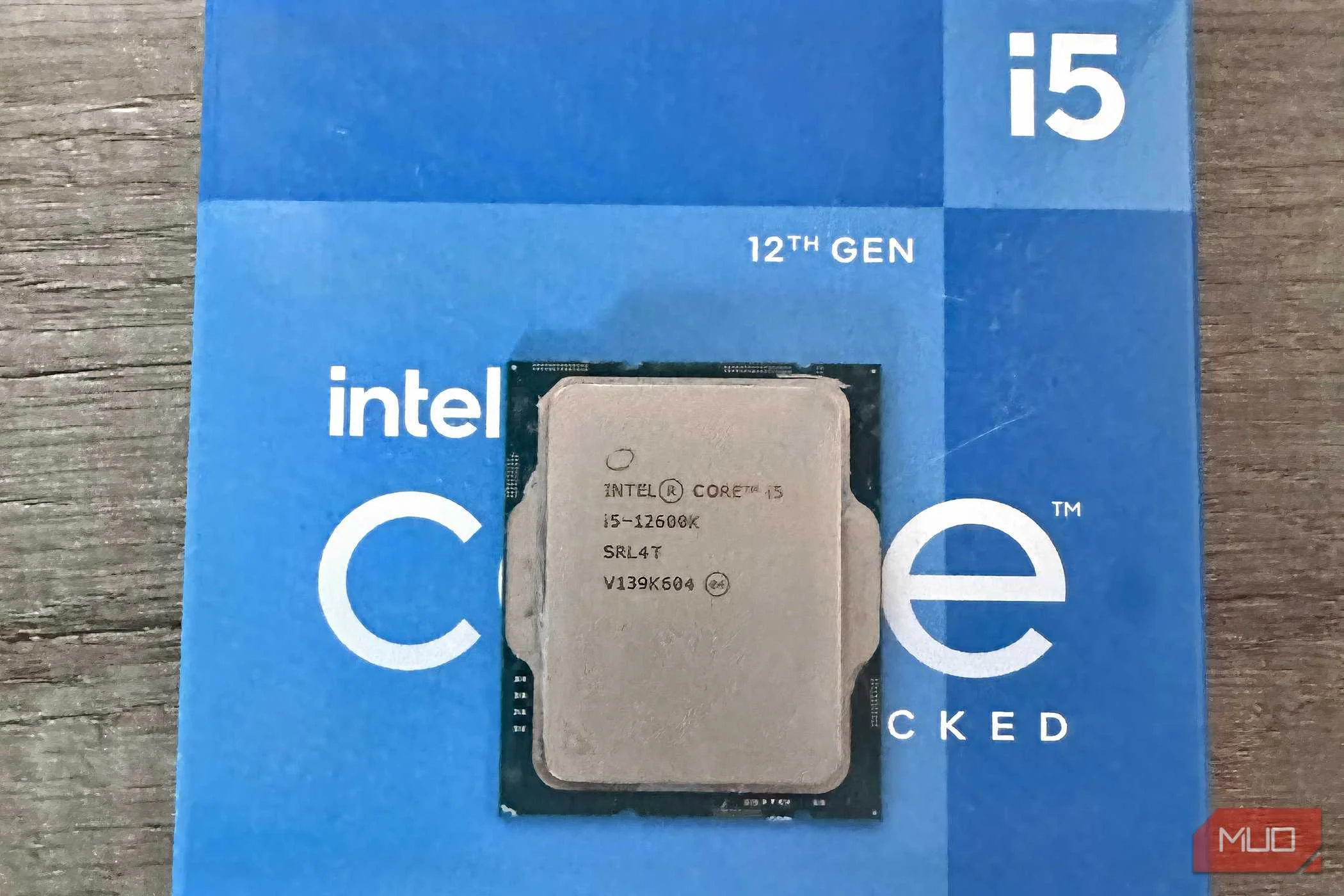
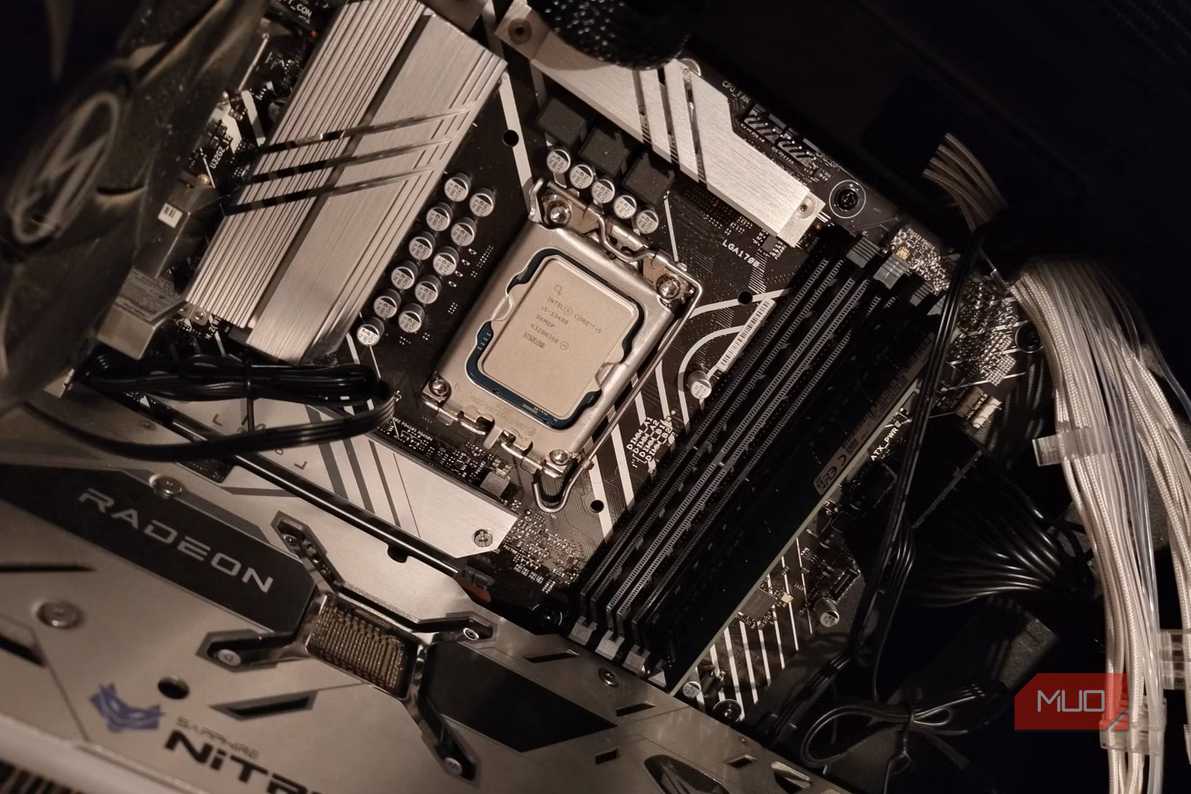




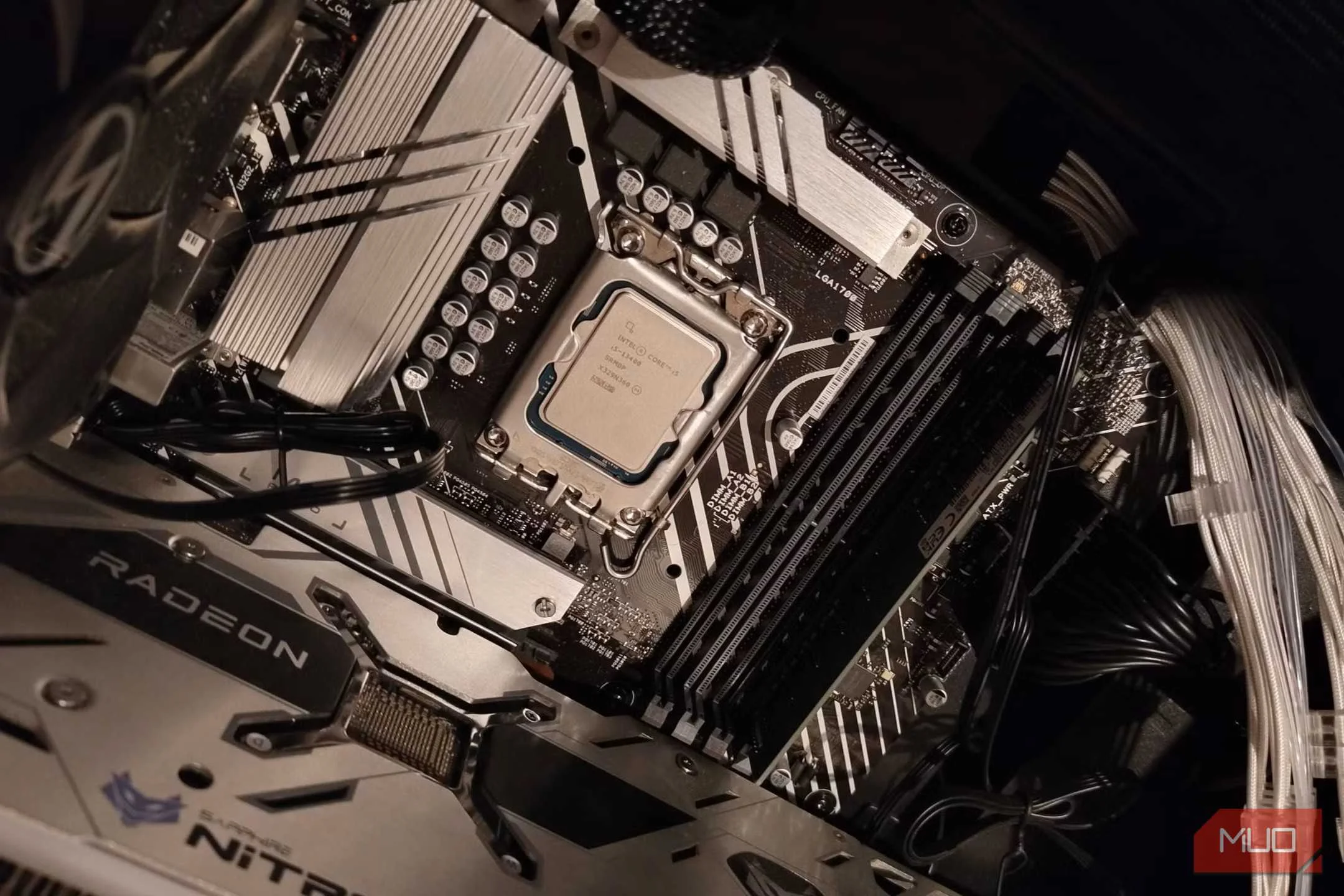
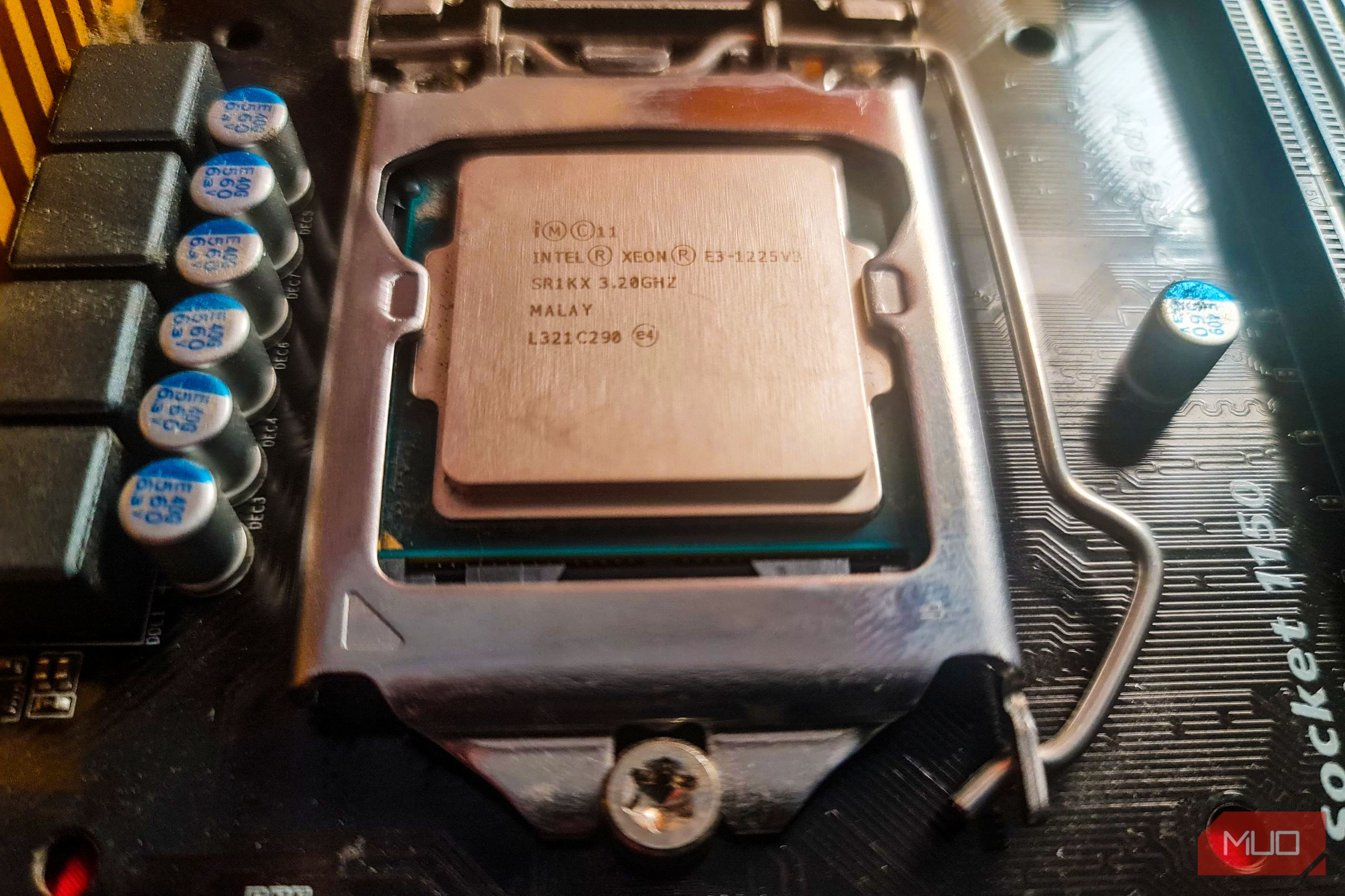
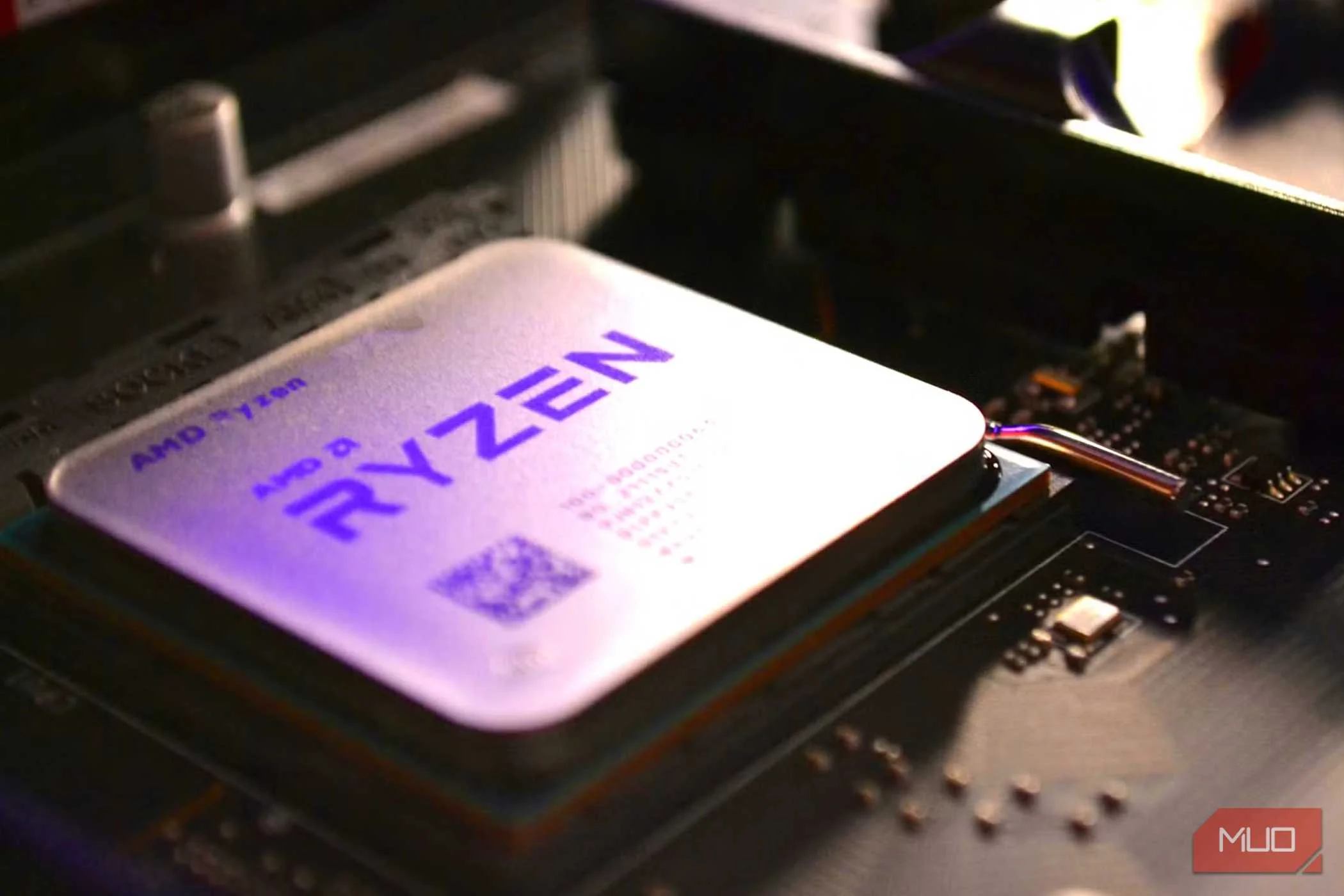
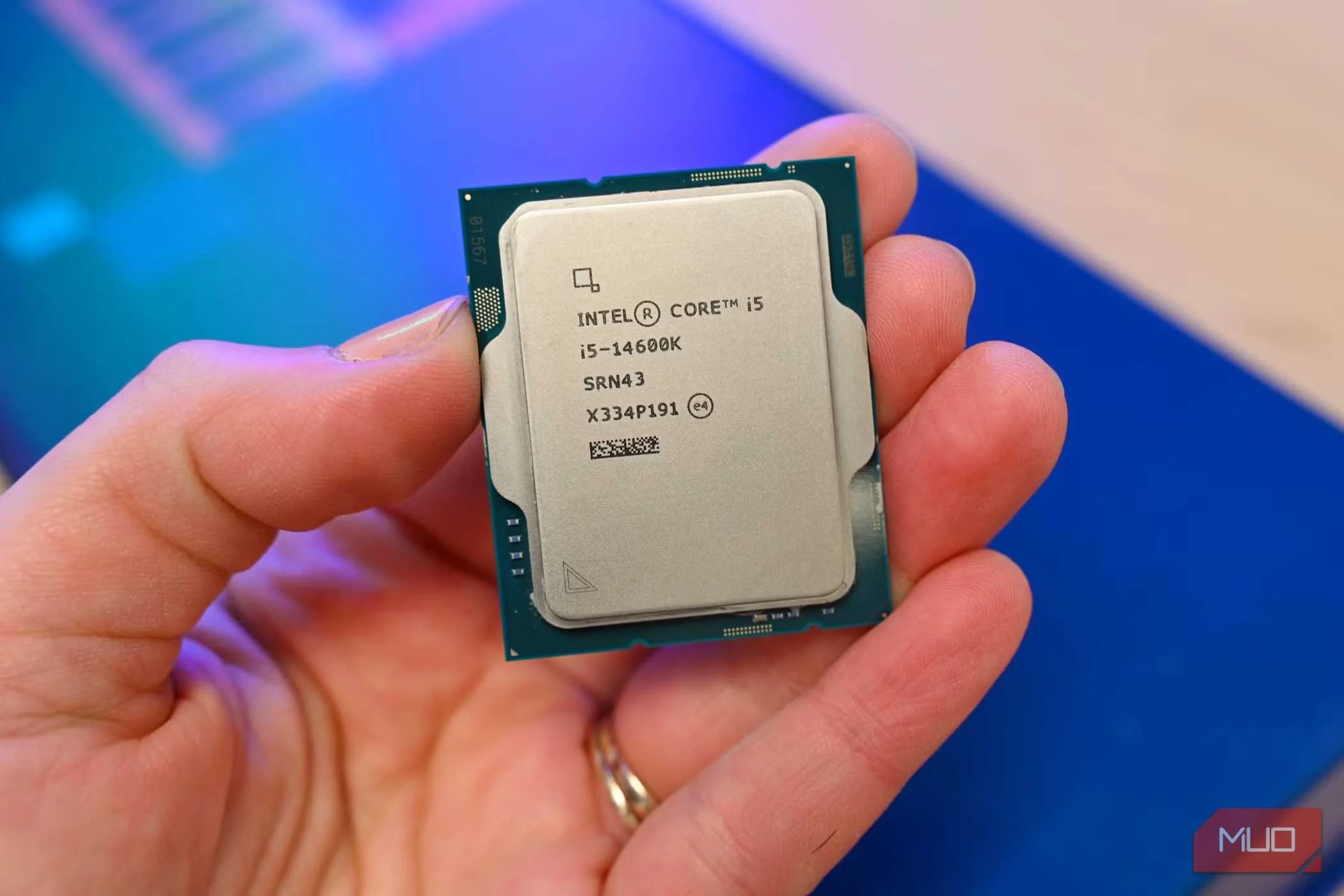
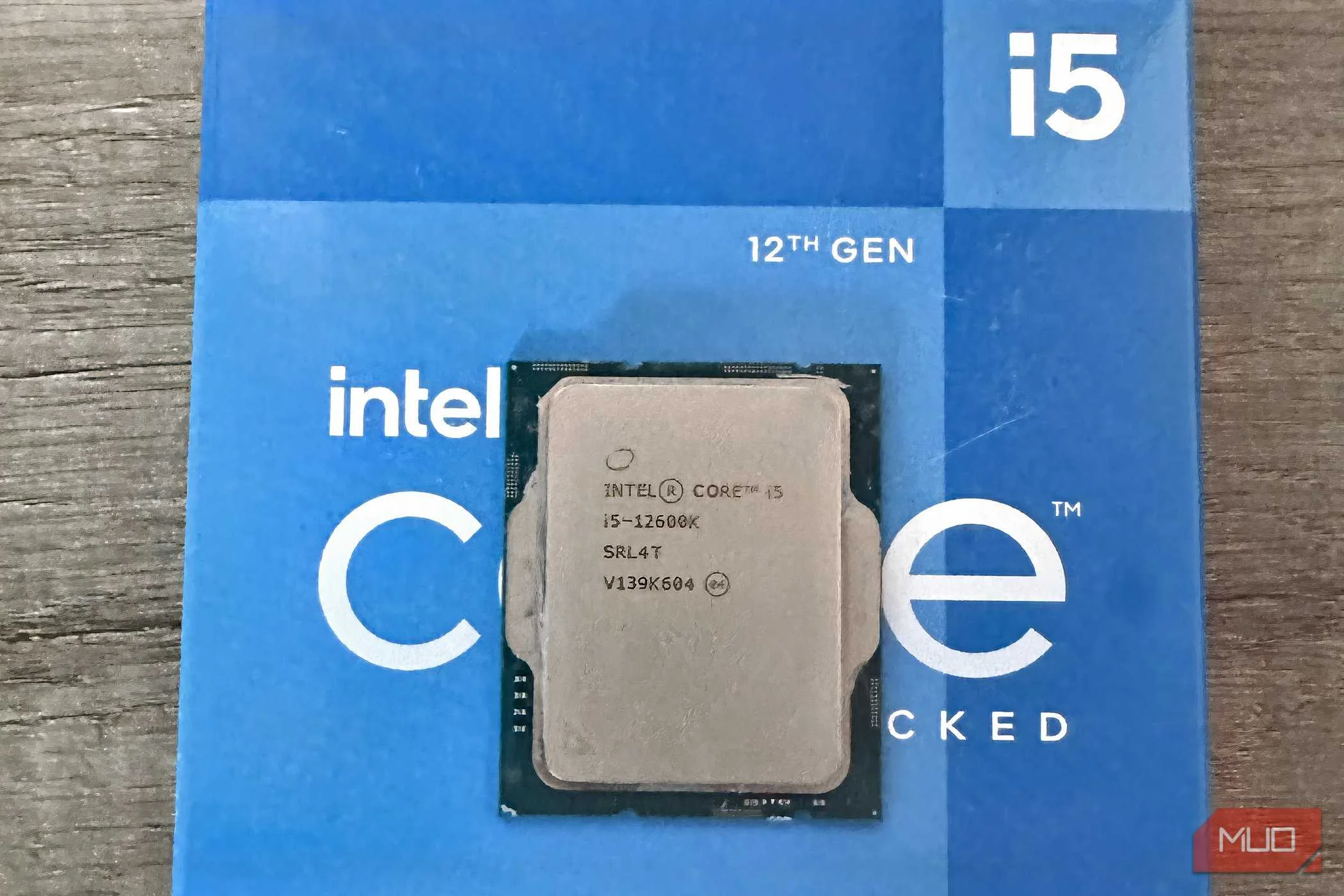 Credit: Dave Meikleham \ MakeUseOf
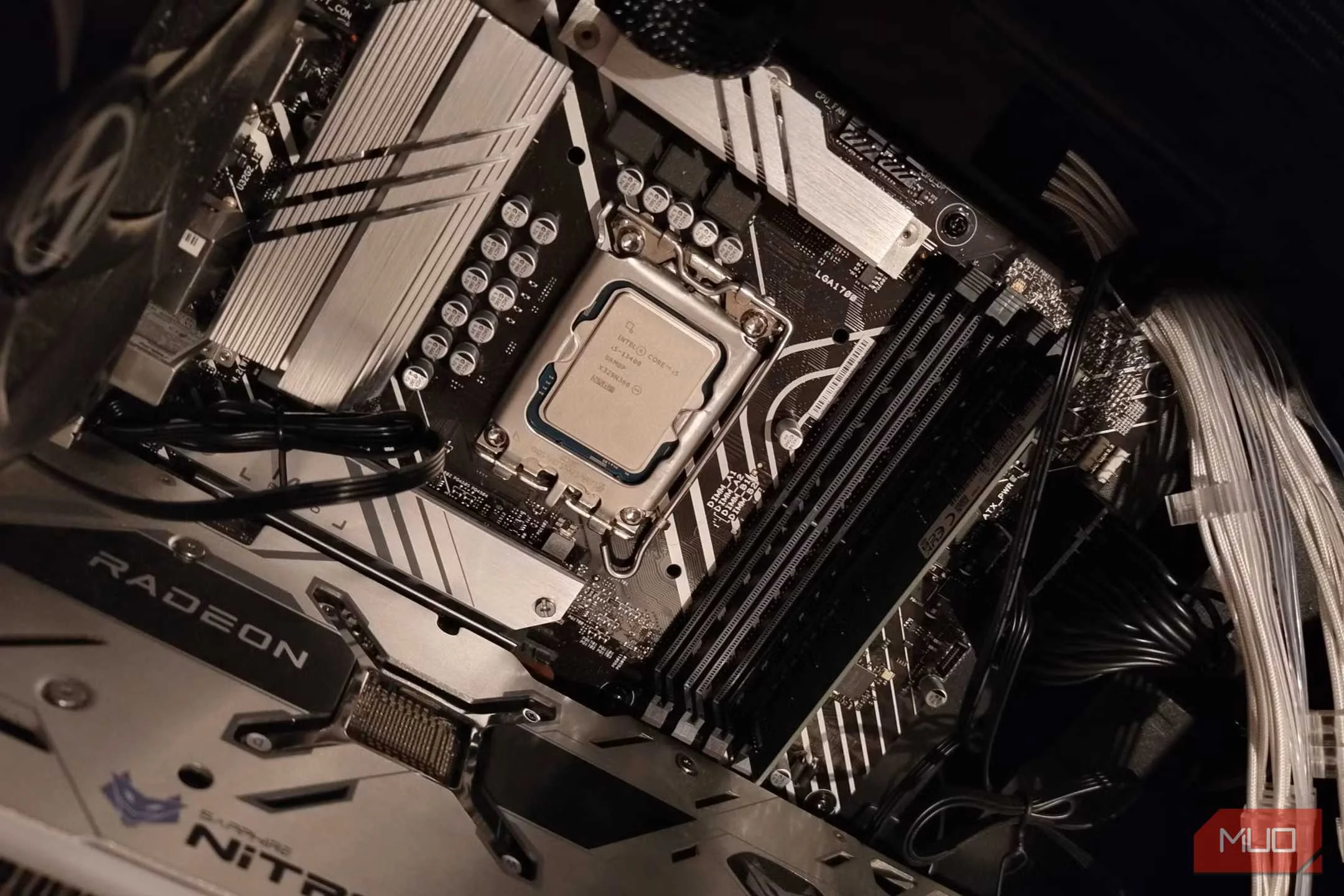
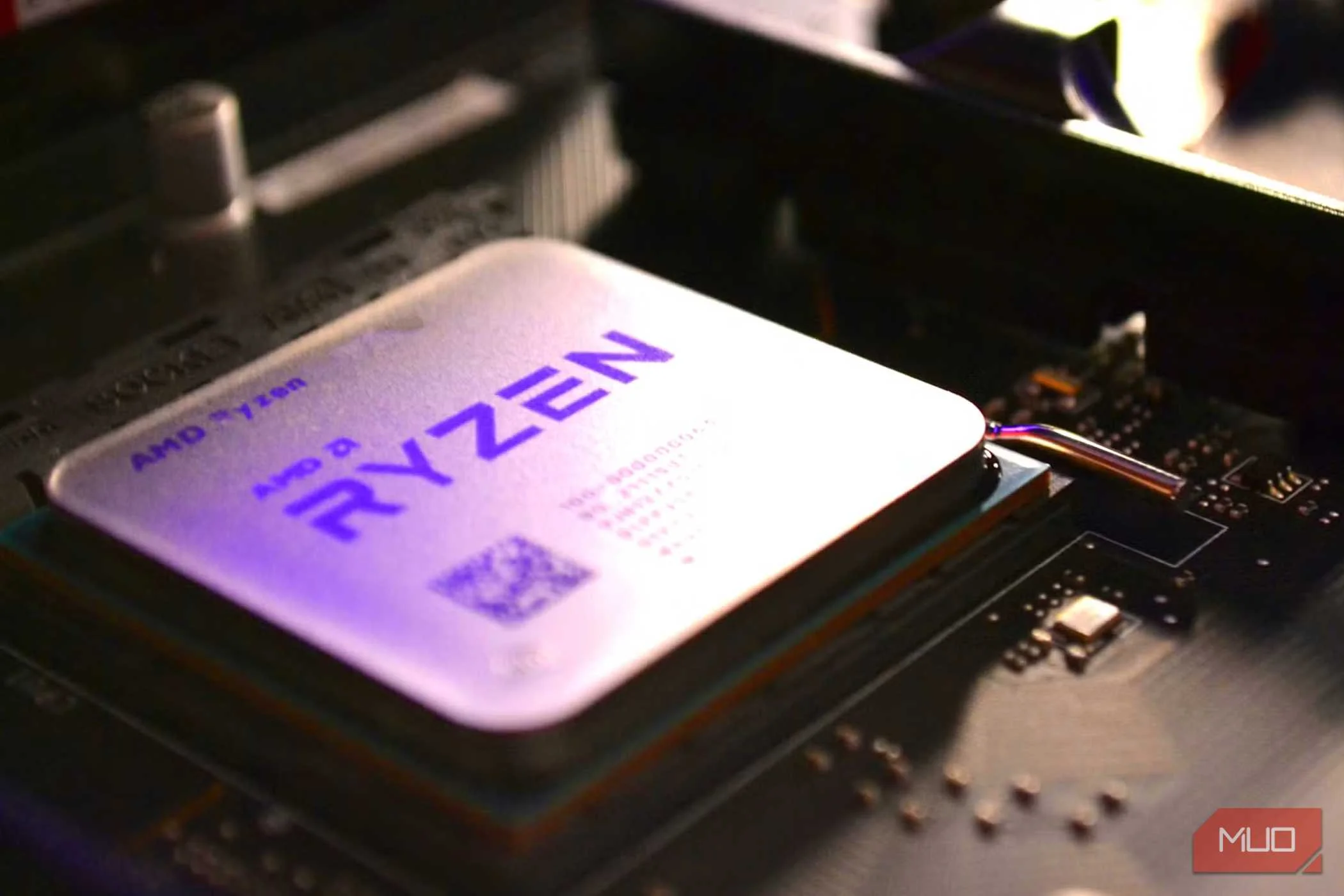
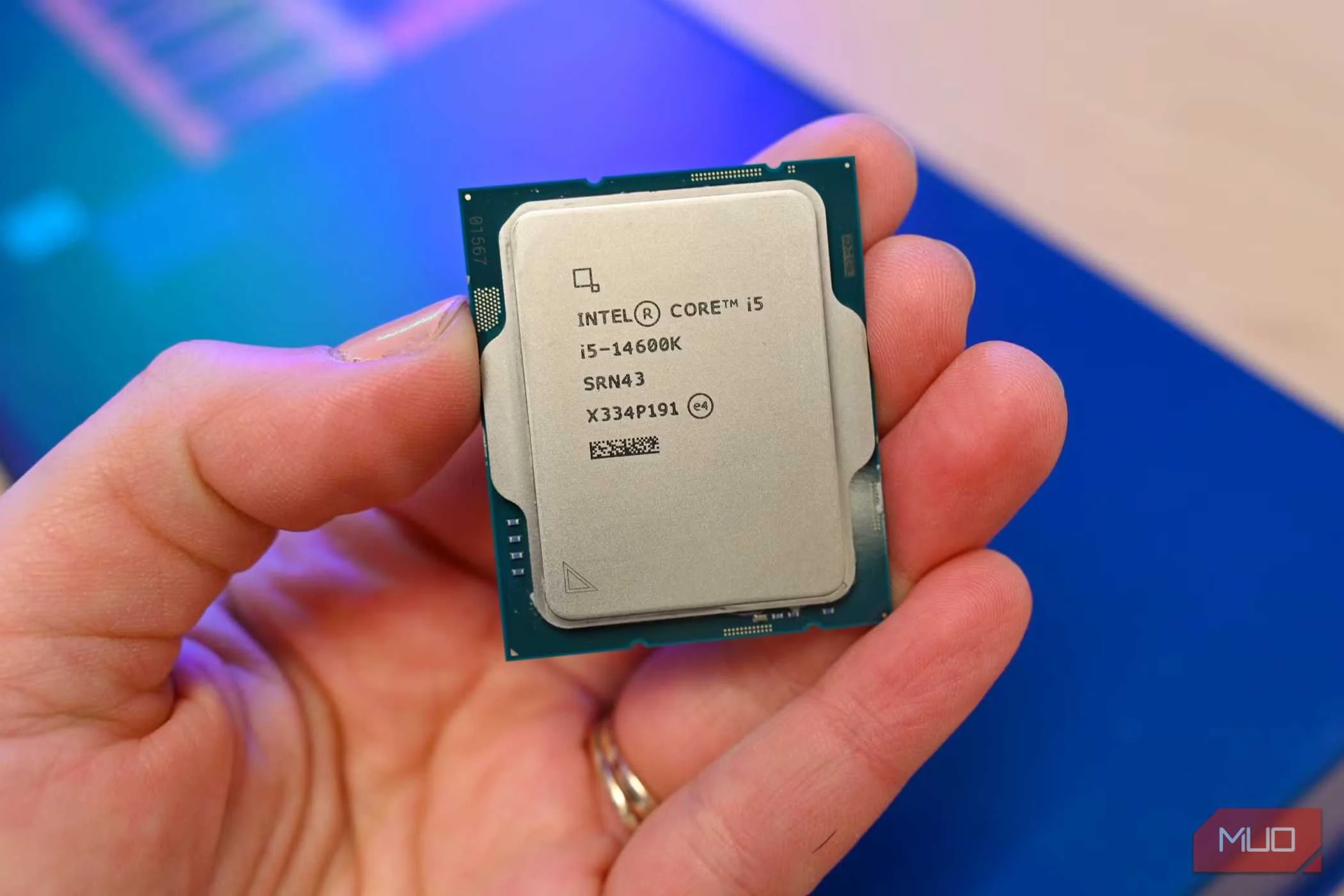
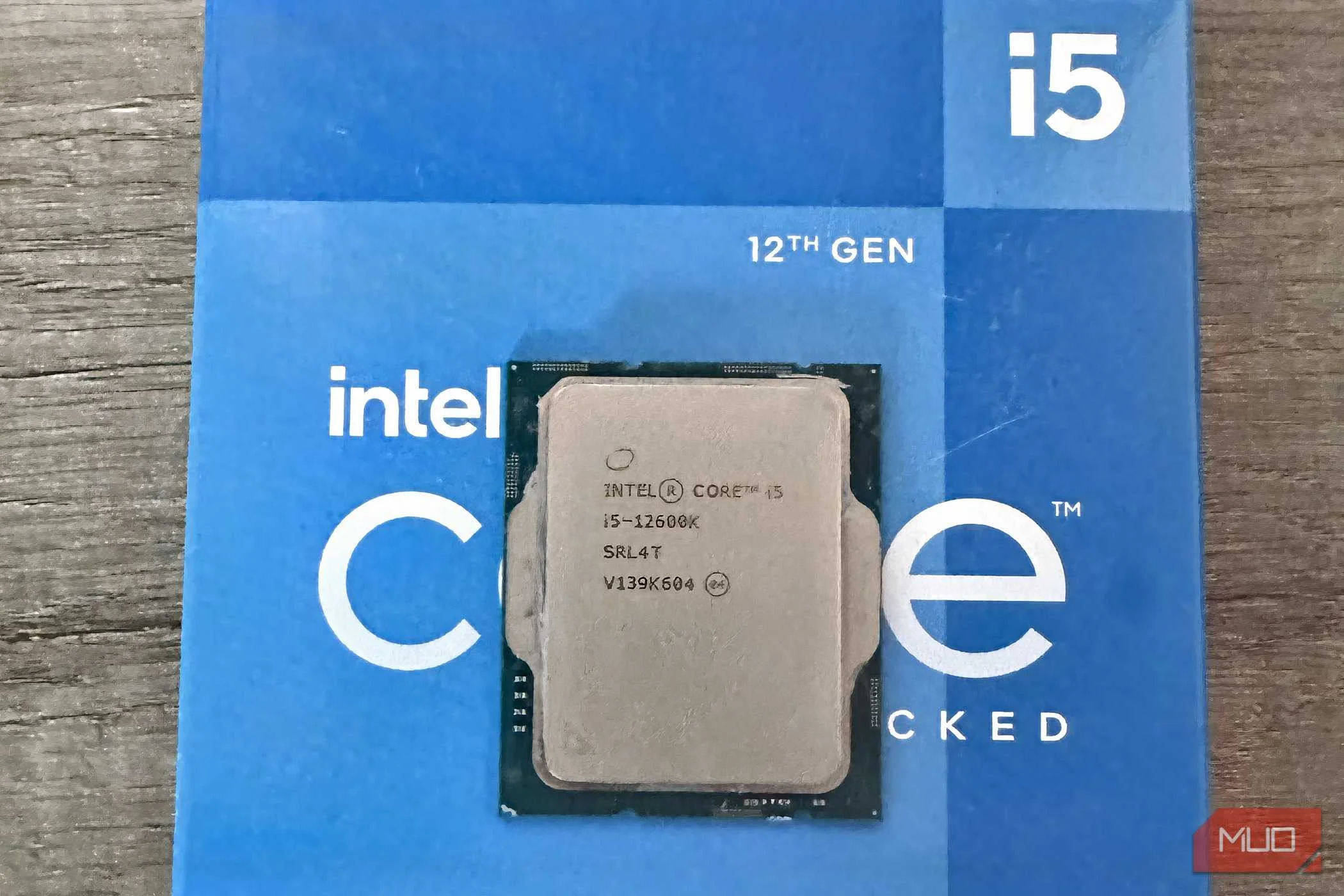
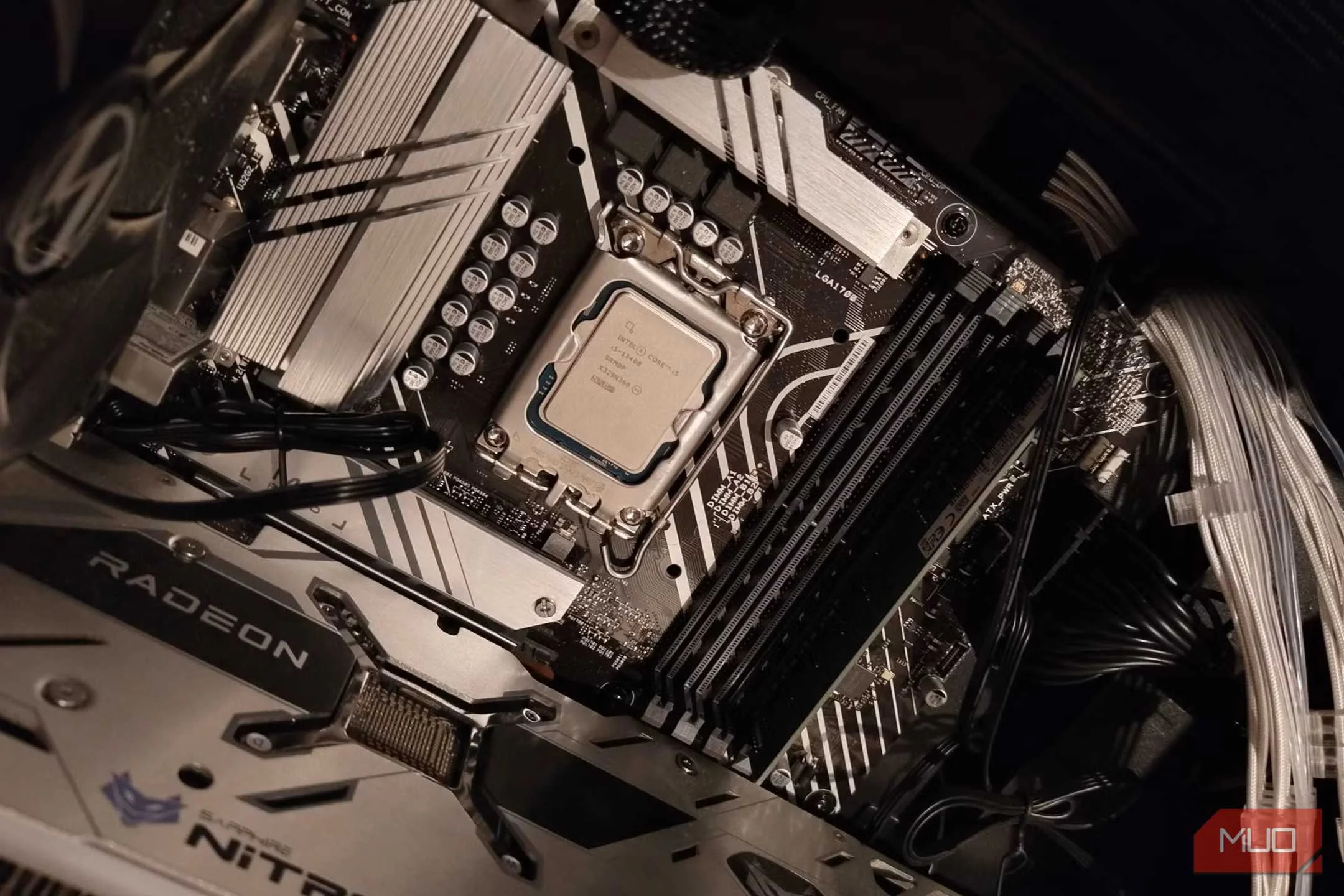
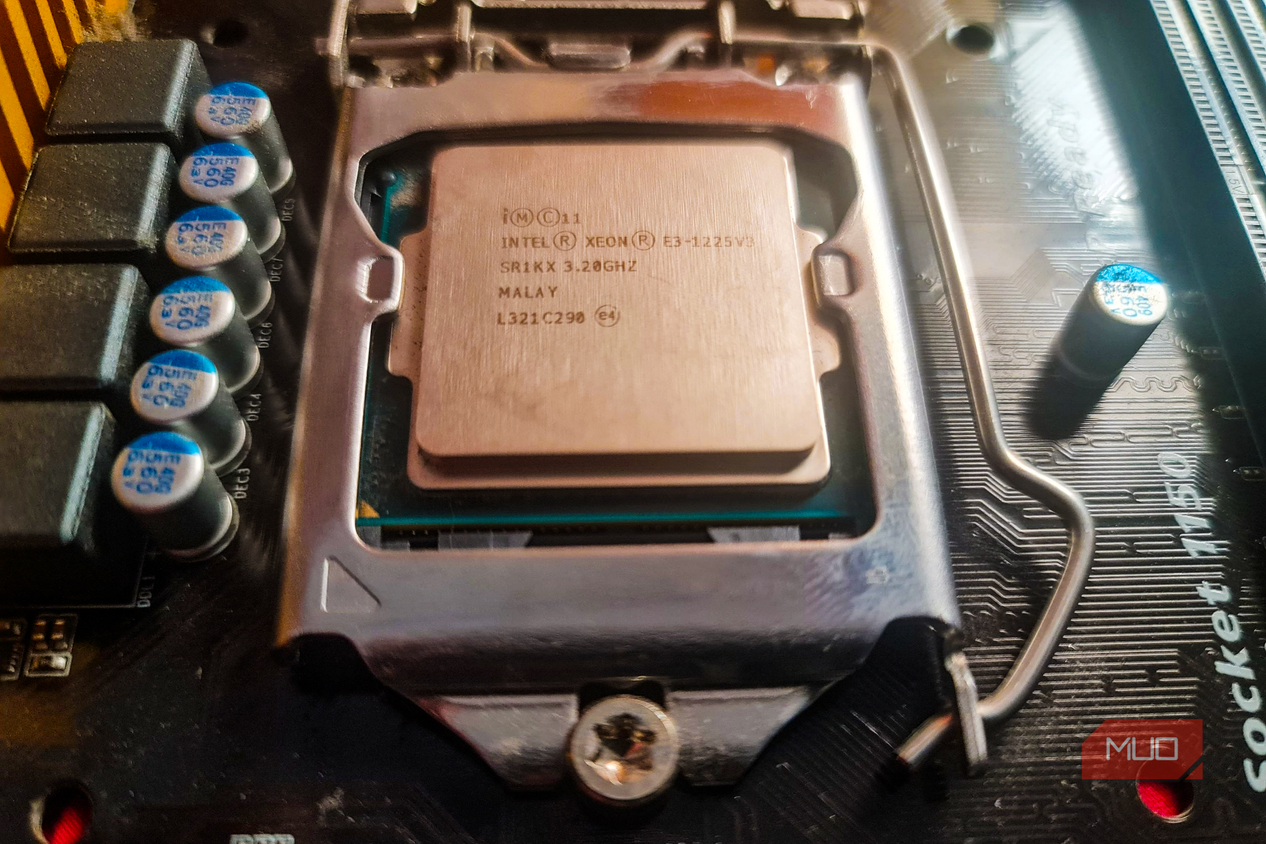
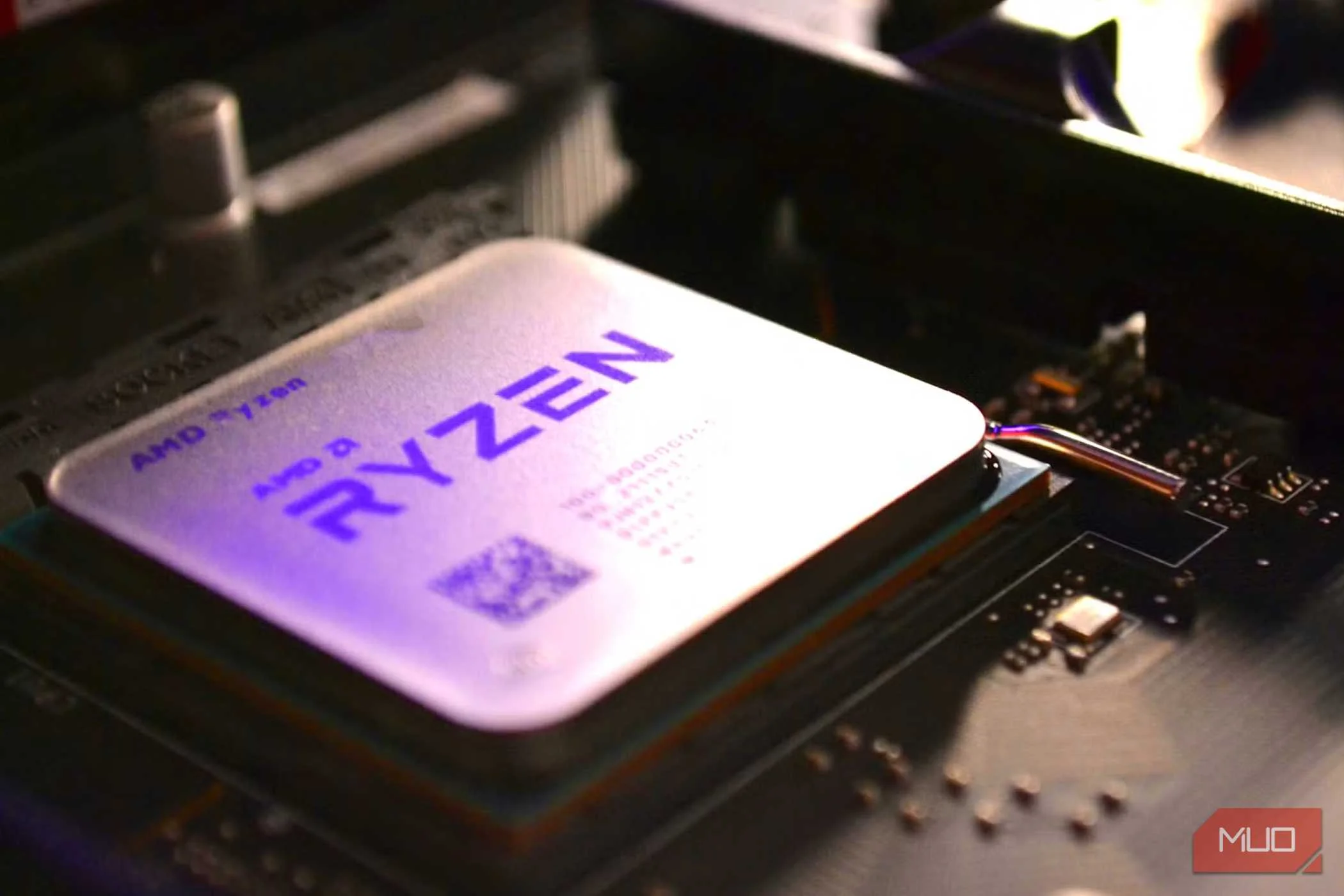
Core count and architecture also describe a CPU, but IPC shows how much work it gets done per cycle. However, a good performance metric for measuring how much work your CPU can do is IPC (Instructions Per Cycle), which is the number of instructions completed per clock cycle, regardless of clock speed.
IPC is absent from the CPU's specification sheet. To measure it, you need to calculate the number of instructions a CPU completes per clock cycle.
IPC = Instructions Retired ÷ Clock Cycle
It's also important to note that IPC is a variable figure and may differ across workload types. For example, a CPU may have an IPC of 2 when running one workload and an IPC of 3 when running another workload. Then, there are other factors impacting IPC, like cache misses, branch prediction, CPU architecture, and more.
What decides a CPU’s IPC
Architecture, cache, and prediction all play a part
A CPU's IPC depends on several architectural designs and isn't defined by a single specification.
|
Factor |
How it affects |
|---|---|
|
CPU architecture |
How a CPU is designed to handle instructions and overall efficiency |
|
Branch prediction |
Guesses which way a branch will go to keep the CPU efficient. |
|
Cache |
Small, fast memory on the CPU that keeps frequently used data close to the core. |
|
Memory subsystem |
The components responsible for moving data between the RAM and the CPU |
|
Execution unit |
The number of execution units determines how many operations can run at once. |
|
Decoder width |
Decodes more instructions per cycle, feeding the execution units. |
|
Instruction dependencies |
When an instruction is dependent on another to run |
|
Out-of-order execution |
How the CPU rearranges instructions to let it do more instead of waiting. |
It's also important to note that IPC can still vary between workloads and is architecturally dependent. For instance, a server CPU would handle multi-user and heavy workloads better with good IPC, but would struggle with IPC in gaming-related tasks.
How to compare IPC without a spec sheet
Benchmark similar chips at the same clock speed
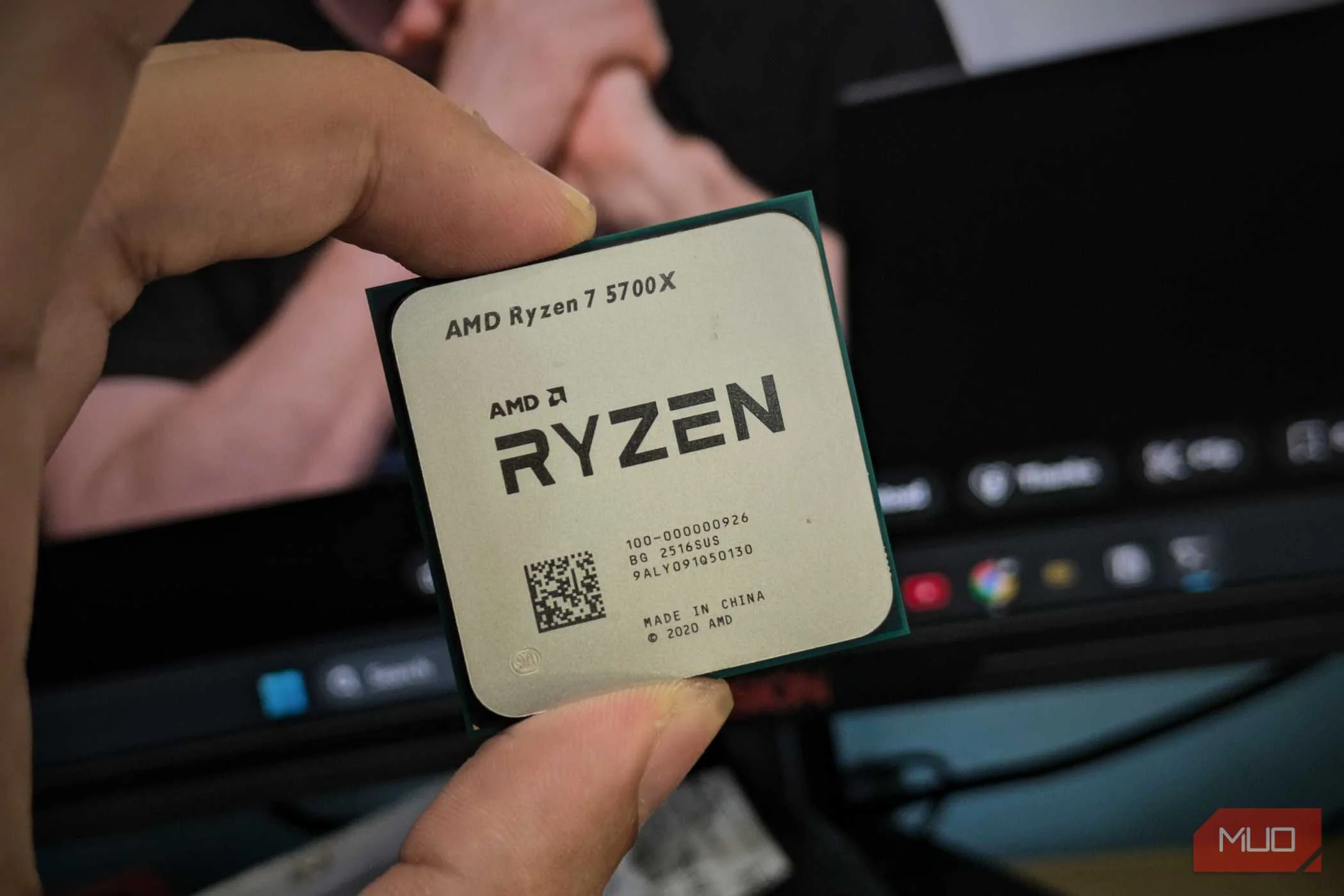
IPC is complex and highly variable. Since manufacturers don't even provide this specification, benchmarks are the most reliable way to measure IPC.
A quick benchmark comparison helps explain why IPC is important. The rule is to compare comparable CPUs within the same price bracket and look up benchmarks to see which CPU has higher IPC. Even for benchmarks, look for the ones that are recorded on single-core performance under pretty similar conditions, like clock speed, so other factors don't impact the workload.
This is because CPUs differ architecturally across manufacturers. For instance, newer Intel CPUs with P-cores and E-cores have different IPC, which makes benchmarks unfair compared to a CPU with the same number of cores.
Putting IPC and GHz together
A lower clock speed can still win
Even then, IPC alone doesn't truly measure performance. IPC and clock speed work together, and each metric is just an abstract figure on its own. For that, use this formula:
CPU Performance = IPC × Clock Speeds
Then you can calculate how many instructions a CPU can execute per second. For example, CPU A can execute 8 billion instructions per second at 2 IPC * 4 GHz, versus CPU B at 1.5 IPC * 5 GHz, decoding only 7.5 billion instructions per second, despite CPU B having a higher clock speed.
You can look at other specifications, such as multicore performance, clock speeds, and cache size, to get the full picture of which is better suited to your workload. For gaming, cache size matters a lot, which is why AMD's X3D processors are so good.
Judge a CPU by the work it finishes, not its clock speed
For CPUs, the industry lacks a standardized metric, so the burden falls on reviewers to calculate IPC, which is too much for any reviewer to handle. As important as IPC is, benchmarks across different workloads best estimate a CPU's true performance under different conditions.
I'd take IPC as a core measure, but I'd still rely on other specs and the exact workload you're aiming for to decide on a good CPU purchase.